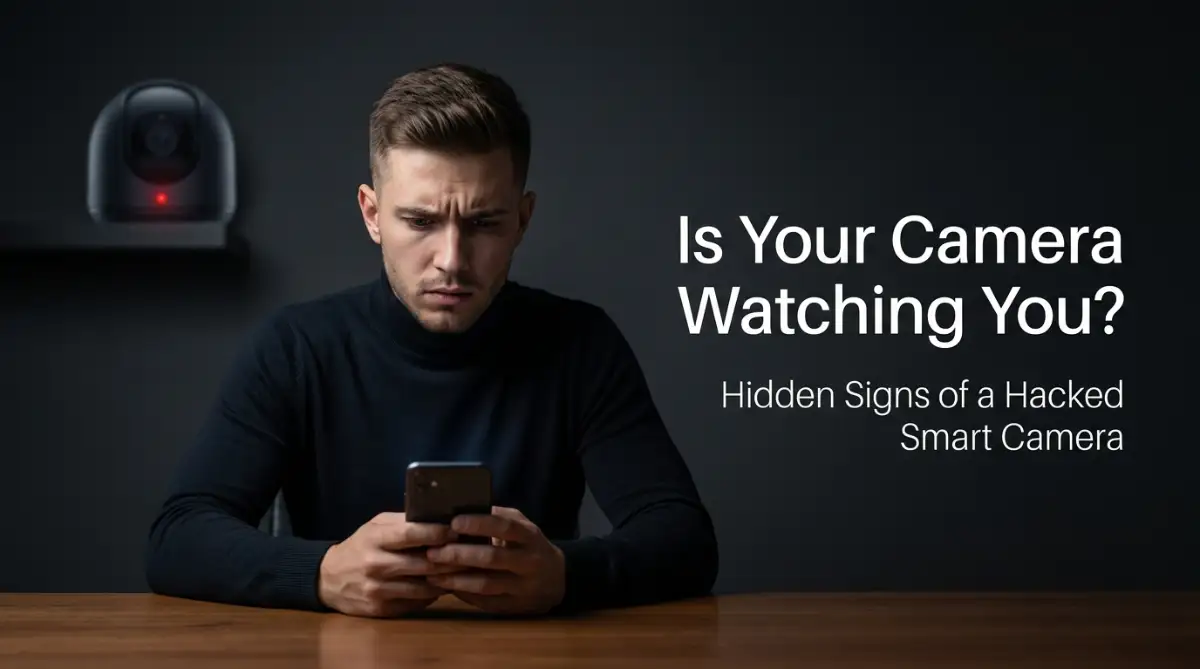
I almost threw my smart camera out the window last month. I was sitting on my couch reading when the lens suddenly rotated on its own, pointing right at me, followed by a weird static noise from the speaker. It completely freaked me out and made me realize how easily these devices can be hacked if we do not set them up right. If you have cameras in your house, let me show you how to lock them down so nobody can spy on your family.
My 60-Second Camera Security Checklist
- Change the factory default password on your new camera to something totally unique.
- Turn on Two-Factor Authentication (2FA) in the camera app so hackers cannot log in without your phone.
- Put all your smart cameras on your router's "Guest Wi-Fi" network to keep them away from your main computer.
- Never point indoor cameras at your bedroom, bathroom, or private living areas.
The Invisible Footprints Of A Digital Intruder
Most people assume that getting hacked requires a brilliant criminal typing furiously on a glowing green computer screen, just like in the movies. That is completely false. The vast majority of smart camera compromises happen simply because of lazy factory settings and massive, automated scanning bots.
Hackers use automated software to constantly scan the entire internet, looking for specific brands of cameras that are still using their default factory passwords. If you just took your camera out of the box, plugged it in, and never changed the original "admin123" password, you practically left your front door wide open.
Once they get inside, they try to stay as hidden as possible. However, the physical hardware of the camera will always betray them if you pay close attention.
The Mystery Of The Strange Clicking Sounds
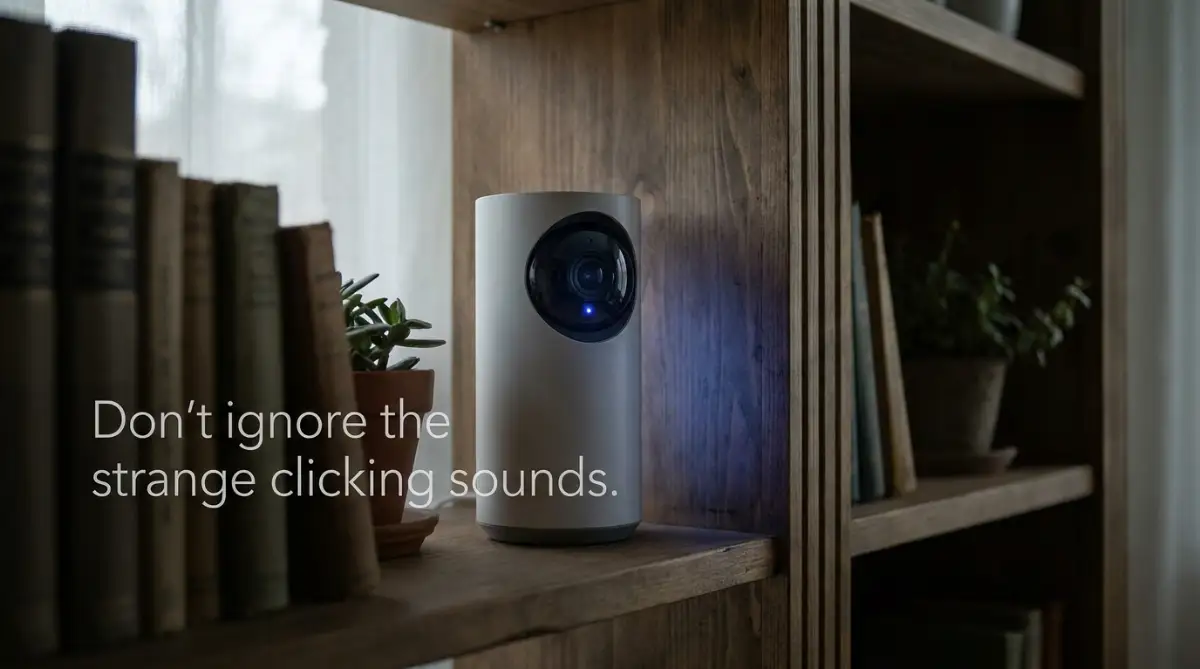
One of the absolute biggest giveaways of a compromised camera is a strange physical noise. Many indoor smart cameras are equipped with a physical infrared filter that slides over the lens when the room gets dark. This allows the camera to see clearly in night vision mode.
When this tiny glass filter slides into place, it makes a very distinct, sharp clicking sound. If you are sitting in a perfectly bright room in the middle of the afternoon, and you suddenly hear your camera click, you have a massive problem.
Hackers often toggle the night vision mode on and off remotely just to test if their connection is working. If your camera is clicking repeatedly during the day, it means someone else is actively playing with your settings menu. Do not ignore this sound; it is your hardware trying to warn you.
Unexpected Panning, Tilting, And Zooming
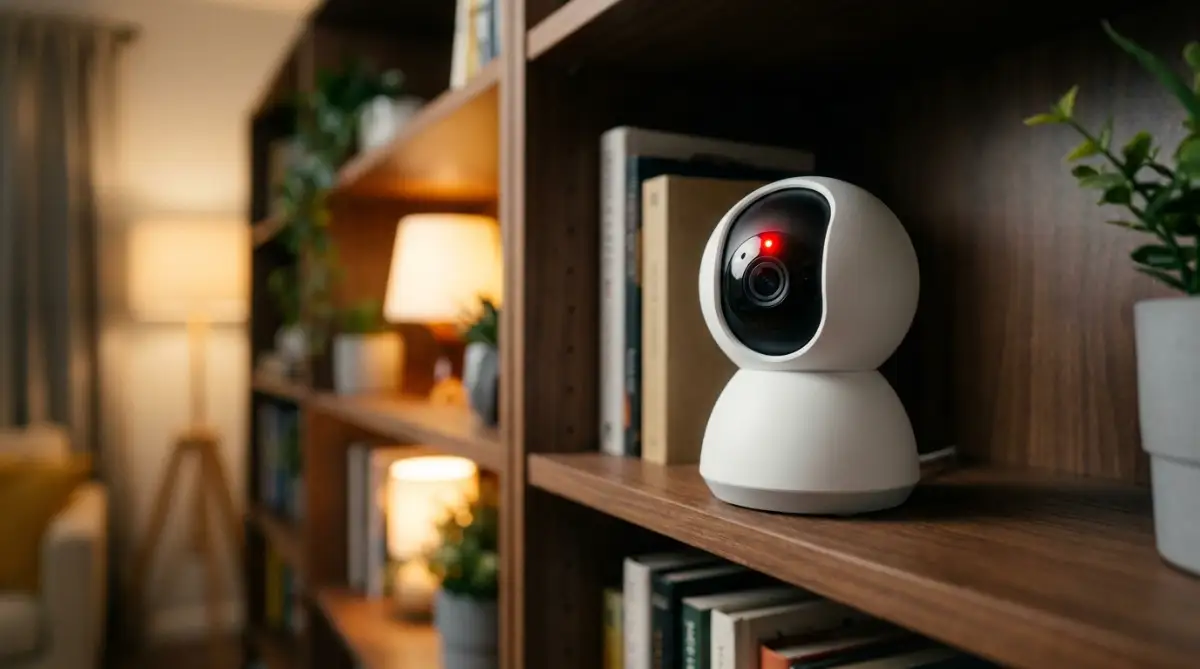
If you own a camera that has Pan, Tilt, and Zoom (PTZ) capabilities, you need to monitor its resting position. You probably set the camera to look straight at your front door or your baby's crib.
If you walk into the room and notice the camera is suddenly pointing at your couch, your television, or your kitchen table, you must act immediately. Cameras do not naturally rotate by themselves unless they are actively tracking a moving object.
If the room is empty and the camera is spinning, it means a human being is manually dragging the joystick on their own phone screen, looking around your house.
Pro Tip: I used to think my camera was just recalibrating itself when it randomly spun around. I completely ignored it for two weeks. My biggest realization came when I placed a tiny piece of clear tape on the base of the camera as a marker. When I saw the tape had moved while I was at work, I knew for a fact that my device was compromised. Always mark your camera's default physical position.
Q: What if my camera does not rotate, but I still suspect someone is watching?
A: Put your hand over the lens or hold up a piece of paper. If the camera starts making tiny clicking noises trying to adjust its focus on your hand, someone might be actively triggering the live feed on the other end. Unplug it immediately.
The Tell-Tale Glowing LED Lights
Every legitimate security camera manufacturer includes a small LED status light on the front of the device. This light is designed to be a physical indicator of what the camera is currently doing.
Usually, a solid blue or green light means the camera is connected to the internet and resting. A blinking red light often means the camera is actively recording video to the cloud or someone is viewing the live feed.
If you are sitting alone, not checking your phone app, and that red light suddenly starts blinking aggressively, you are being watched. Some highly advanced hackers have figured out ways to disable the LED light completely through the software, but most amateur intruders will not bother taking this extra step. If the light behaves in a way you do not expect, unplug the device instantly.
Are you curious exactly how easy it is for an amateur to find unprotected cameras on the internet? Watch this shocking demonstration of how public search engines expose smart homes:
Following The Digital Paper Trail
Sometimes, the hardware gives you absolutely no physical clues. The camera doesn't move, it doesn't click, and the light stays perfectly normal. This is when you have to become a digital detective and look at the actual data your camera is producing.
Your smartphone app holds a massive amount of secret information about your camera's daily behavior. You just have to know which specific menus to check.
Spikes In Unexpected Data Usage
Your internet router is the main highway for all the data entering and leaving your house. A smart camera uses a very predictable amount of data on a normal day. It only sends heavy video files to the cloud when it detects a person walking by.
If a hacker is secretly watching your live feed for three hours straight while you are asleep, the camera is forced to upload massive amounts of high-definition video data to their remote computer.
You can log into your home internet router's admin panel or use your internet provider's app to check your daily data usage. If you notice your camera is suddenly uploading twenty gigabytes of data on a Tuesday when your house was completely empty, you have a severe security breach. That data is leaving your house and going directly to a stranger's screen.
Strange IP Addresses In Your Login History
Most premium camera brands, like Ring, Arlo, or Nest, have a hidden security feature deep inside their mobile apps. They keep a strict, running log of every single device that has logged into your account.
You need to open your app settings right now and find the "Active Sessions" or "Login History" tab. This menu will show you a list of smartphones and computers that currently have access to your video feed.
It will often show you the exact city and country where the login happened. If you live in Chicago, and you see an active login from a strange Android phone located in Russia or Brazil, your account has been fully compromised. The hacker simply guessed your password or bought it from a data leak online. You must immediately tap the "Log Out All Devices" button and change your password to something incredibly complex.
The Danger Of The "Ghost" Voice
This is the most aggressive and undeniable sign of a hacked camera, and it is becoming increasingly common. Modern cameras have two-way audio, designed so you can yell at a package thief or tell your dog to get off the couch.
Hackers love to abuse this feature for pure entertainment. They will wait until the middle of the night and suddenly blast loud music, scream terrifying noises, or start speaking directly to your children through the camera speaker.
They do this because they want to record your panicked reaction and post the video on underground hacking forums for a quick laugh. If you ever hear an unfamiliar sound coming from the camera's speaker, do not try to talk back to them. Do not negotiate or ask who they are.
Talking to them simply gives them exactly what they want: your fear and your attention. You must immediately walk over and physically remove the power source from the wall. Once the power is dead, their connection is permanently severed, and you can safely begin the process of locking down your network.
Fortifying Your Digital Perimeter Like A True Cybersecurity Expert
Now that you know exactly how to spot a digital intruder, we need to talk about fighting back. Catching a hacker in the act is absolutely terrifying, but preventing them from ever entering your home is surprisingly easy. You do not need a degree in computer science to lock down your network.
Most people completely ignore the security features built right into their devices because they seem too complicated. I am going to break these high-level security concepts down into incredibly simple, actionable steps. If you apply these professional tactics today, your smart home will become an impenetrable fortress.
You will finally be able to sleep peacefully, knowing your private life remains completely private. Let's explore the exact strategies security experts use to protect their own families.
The Magic Of The "Guest Wi-Fi" Isolation Trick
This is perhaps the single most powerful secret in the entire cybersecurity industry. Your internet router acts as the main front door to your digital house. Right now, your security camera, your personal smartphone, and your online banking laptop are probably all sitting in the exact same digital room.
If a hacker breaks into your cheap smart camera, they can easily jump from the camera directly to your laptop. To stop this, you need to build a separate, isolated room just for your smart home gadgets. You can easily do this by turning on the "Guest Network" feature inside your router's mobile app.
When you connect all your security cameras to this dedicated guest network, you create a massive digital brick wall. Even if an intruder compromises the camera, they are completely trapped on the guest side of the network. The Center for Internet Security (CIS) strongly recommends this exact network isolation tactic to keep your highly sensitive personal devices completely invisible to internet-connected hardware.
A Quick Network Map for Your House:
- Main Wi-Fi Network: Phones, laptops, and tablets go here. (Keep devices with your personal banking data safe).
- Guest Wi-Fi Network: Smart cameras, smart plugs, and voice assistants go here. (If a camera gets hacked, the intruder cannot jump over to your laptop).
If you are already spending your weekend troubleshooting home wi-fi dead zones without buying an expensive router, take an extra five minutes to set up this secondary network. It is a completely free upgrade that drastically reduces your overall risk.
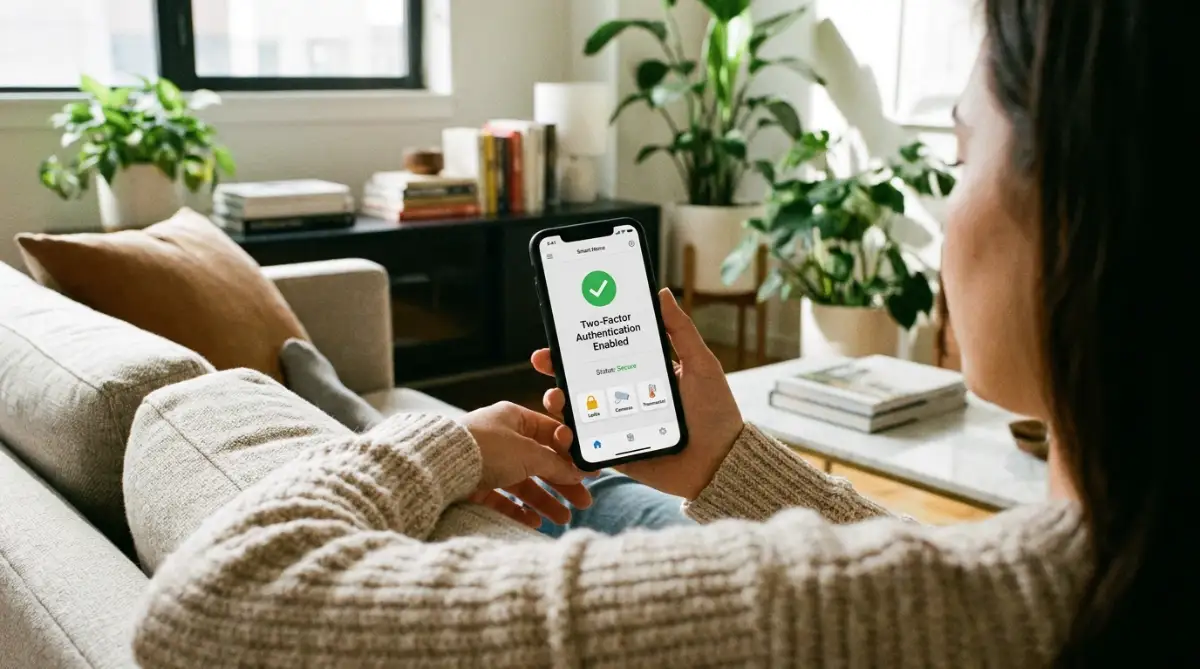
Treating Two-Factor Authentication As Mandatory
We talk about Two-Factor Authentication (2FA) constantly, but millions of users still refuse to turn it on because it feels mildly annoying. Let me be incredibly clear: relying on a password alone is basically like locking your front door with a piece of thin string.
Hackers use automated software that can guess thousands of weak passwords every single second. But when you activate 2FA, you add a highly aggressive digital bouncer to your front door. Even if the hacker correctly guesses your password, the app will instantly block them and send a secret code directly to your personal cell phone.
Without that specific six-digit code, the hacker's computer screen simply freezes, and they are completely locked out. The National Cybersecurity Alliance explicitly states that enabling multi-factor authentication stops nearly ninety-nine percent of all automated remote hacking attempts. Taking ten seconds to type in a text message code is a tiny price to pay for absolute mental peace.
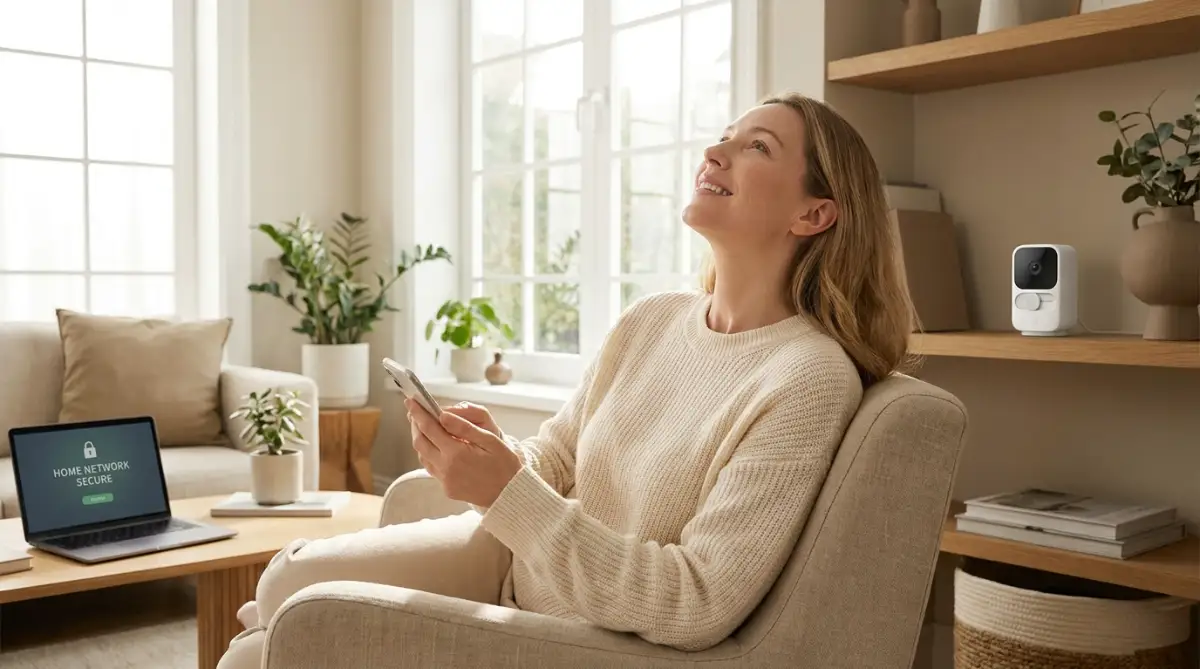
Embracing Automatic Firmware Armor Updates
Your security camera is essentially a tiny, highly intelligent computer running its own custom operating system. Just like your phone or laptop, this software requires constant maintenance to fight off new digital diseases.
When a camera manufacturer discovers a new weakness in their system, they instantly write a piece of code to patch the hole. They send this digital armor upgrade out to your camera in the form of a firmware update. If you ignore these update notifications, you are actively choosing to leave your home entirely vulnerable to known threats.
You should immediately open your camera's settings menu and look for the "Auto-Update" toggle switch. Turn it on permanently. Just like you occasionally need to speed up your phone simple steps to clear app cache on android to keep it running smoothly, your camera requires regular software maintenance to function safely.
The Careless Habits That Leave Your Front Door Wide Open
Even the strongest digital locks in the world are completely useless if you actively hand the keys to a stranger. Many smart home owners accidentally sabotage their own security through simple, everyday laziness.
We often value quick convenience far more than we value our own personal privacy. If you do not recognize and fix these specific behavioral traps, you will eventually become an easy target for online predators. Let's break down the most dangerous mistakes that cause immediate, catastrophic privacy breaches.
The Nightmare Of Cheap, Unbranded Hardware
When you browse massive online marketplaces, you will often see highly rated security cameras selling for fifteen or twenty dollars. It feels like an amazing financial deal compared to the expensive premium brands.
Buying these ultra-cheap, no-name cameras is the absolute worst mistake you can possibly make. These generic brands keep their prices incredibly low by completely skipping the software security testing phase. They rarely offer firmware updates, and their servers are notoriously easy to infiltrate.
When you buy a generic camera, you are literally installing a highly vulnerable, unpatched listening device inside your living room. The researchers at Mozilla's Privacy Not Included project deeply analyze these cheap devices and constantly warn consumers about their terrible encryption standards. Always invest your hard-earned money in a highly reputable brand that has a proven, public track record of fixing security flaws immediately.
The Catastrophe Of Password Recycling
Human memory is incredibly limited, so we naturally tend to use the exact same favorite password for our email, our bank, and our smart camera app. This innocent habit is a hacker's absolute favorite dream come true.
When a random, unrelated website gets breached, hackers dump millions of emails and passwords onto the dark web. They then use automated bots to test those exact same login details on popular smart home applications. This technique is called "credential stuffing," and it is terrifyingly effective.
If you use the same login everywhere, a hacker who breached a small shoe store website suddenly has full access to the video feed of your baby's nursery. This is exactly why password reuse is considered one of the most dangerous password management mistakes that leave your digital identity exposed. You must use a dedicated password manager to generate a completely unique, highly complex password for your security camera account.
Placing Indoor Cameras In Highly Intimate Zones
We often install cameras with the best of intentions, wanting to monitor every single square inch of our property. But putting an internet-connected lens inside your bedroom, your private bathroom, or your hallway changing area is a massive lapse in judgment.
You must always assume that every digital device has the potential to be compromised eventually. If a camera in your kitchen gets hacked, the intruder only sees you cooking dinner. If a camera in your bedroom gets hacked, the psychological damage is absolutely permanent.
You need to strategically map out your camera placements to only cover the main public entryways. The Federal Trade Commission strongly advises consumers to never point internet-connected lenses toward areas where complete physical privacy is reasonably expected. Keep the cameras focused on the front door, the back patio, and the garage, and keep them completely out of your personal resting spaces.
Your Action Plan For Immediate Peace Of Mind
We have covered a massive amount of intense, highly technical information today. The goal here is not to make you terrified of modern technology. The primary goal is to empower you to take absolute, unshakeable control over your own digital environment.
You are not a helpless victim waiting for a hacker to strike. When you understand exactly how the enemy operates, their scary tricks immediately lose all of their power.
Your 15-Minute Security Checklist
I want you to take direct action the moment you finish reading this article. Do not put this off until the weekend. Grab your smartphone right now and run through this incredibly quick, highly effective security checklist:
- Step 1: Open your camera app and immediately change your main account password to a completely random string of numbers and letters.
- Step 2: Dig into the account settings and flip the toggle switch to enable Two-Factor Authentication via text message.
- Step 3: Check the "Device Info" section to ensure your camera is running the latest possible firmware version.
- Step 4: Physically walk around your house and adjust any indoor cameras so they are completely pointing away from bedrooms and private hallways.
If you complete these four simple steps, you will instantly block ninety-nine percent of all remote hacking attempts. You will lock the digital front door and throw away the key.
If you ever feel like you have been permanently compromised, do not panic and throw the hardware away. You can always run a hard factory reset to wipe the slate clean, much like you would hard drive crashed how to rescue your lost files before it s too late during a computer emergency.
I actually threw my very first smart camera directly into the garbage out of pure fear after a weird connection glitch. I felt entirely overwhelmed by the technology. But once I sat down, did the research, and locked my network down properly, I realized how incredibly safe these devices can actually be. I promise you, if you take these proactive steps tonight, you will finally regain your total peace of mind and sleep soundly once again.
Common Questions About Smart Home Camera Security
Can someone still hack my camera if it is physically turned off?
If your camera is completely unplugged from the wall socket, it is absolutely impossible for anyone to access it because it has no electrical power to run the internal computer. However, if you simply use the mobile app to tap "Turn Off" or "Sleep Mode," the device is still connected to your Wi-Fi router in the background. A highly skilled hacker can bypass the app settings and remotely wake the camera up without you knowing.
Should I put a piece of tape over my indoor camera lens?
Placing physical tape or a plastic privacy shutter over the lens is actually an incredibly smart, highly effective strategy when you are home. It provides an absolute, foolproof physical barrier that no software hacker can ever bypass. Just remember to remove the cover when you leave the house so the camera can actually do its job and record potential intruders.
Does changing my home Wi-Fi password automatically kick hackers out?
Yes, changing your main router's Wi-Fi password will immediately disconnect all devices, including the camera, from the internet. The hacker will instantly lose their live video feed. However, you will then have to manually reconnect every single laptop, phone, and smart TV in your house to the new network, which can be quite tedious.
Can hackers see my recorded footage if I do not pay for cloud storage?
If you only save your security video files to a local MicroSD card physically sitting inside the camera, the risk of a mass data breach is significantly lower. Hackers usually prefer breaking into poorly secured cloud accounts to steal massive batches of saved videos. However, if an intruder gains live access to your local camera interface, they can still manually command the device to play back the footage stored on that local memory card.
Are battery-powered wireless cameras safer than wired cameras?
From a software perspective, battery-powered and wired cameras face the exact same internet vulnerabilities and hacking risks. The only real security difference is that battery-powered cameras will continue to record footage if an intruder physically cuts the main power lines to your house before breaking in. Just ensure you keep the batteries fully charged, as a dead camera provides absolutely zero security.
Disclaimer: The information provided in this blog post is strictly for educational and informational purposes only. Cybersecurity threats evolve rapidly, and no digital device connected to the internet can ever be considered one hundred percent secure. The strategies discussed here are recognized industry best practices, but they do not guarantee absolute protection against highly targeted or sophisticated cyber attacks. Always consult with a certified IT security professional for personalized advice regarding your specific home network setup.