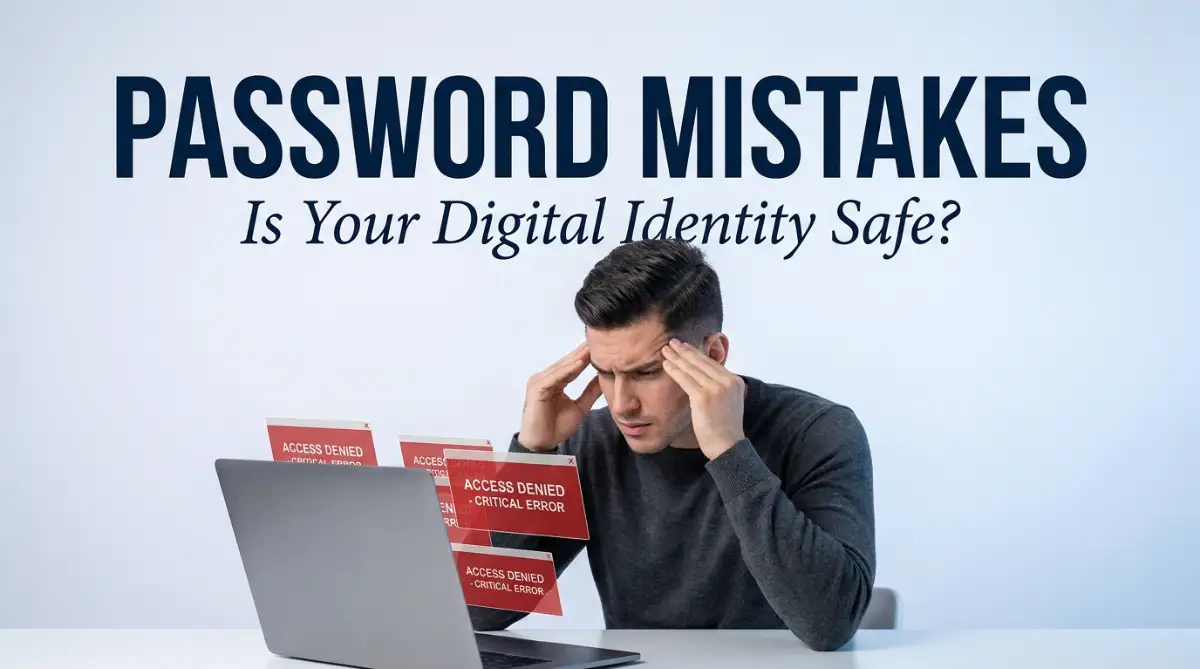
I almost lost my entire checking account a few years ago. I tried to log into my bank app on a random Tuesday morning, and a bright red "Incorrect Password" message flashed on my screen. My heart completely dropped into my stomach. Someone halfway across the world had guessed my ridiculously simple, five-year-old password and locked me out of my own life. Let me show you how to actually secure your digital world so you never have to feel that horrible panic.
Your 60-Second Action Plan:
- Stop using your dog's name or birth year in your daily passwords.
- Treat every single website account like an isolated island (never repeat the same password).
- Lock any physical password notebooks in a fireproof safe, never under your keyboard.
- Never accept Net-90 payment terms from clients; push for Net-15 or Net-30 to save your rent money.
- Always define exactly how many free edits a client gets in your contract to stop extra unpaid work.
The Biological Flaw: Why Human Memory Fails Security
Before we can fix your digital safety net, we have to look closely at how the human brain actually works. Your brain is a brilliant organ, designed to remember faces, navigate complex social situations, and solve creative problems.
However, your brain is absolutely terrible at remembering long, random strings of meaningless numbers and symbols.
When a website forces you to create an account, they demand a password with at least eight characters, one capital letter, one number, and one special symbol. Because your brain cannot naturally hold onto this random string of data, you create a simple pattern to survive.
You use your dog's name, your birth year, and an exclamation point: Buster1990!
You think this is a highly secure, unbreakable code. In reality, you just handed the keys to your life directly to a hacker.
Let us break down the exact mechanical mistakes that turn your digital identity into an easy target for modern cybercriminals.
The Domino Effect of Password Recycling
The absolute most common and destructive mistake people make is using the exact same password for every single website they visit. You use Buster1990! for your secure bank account, but you also use it for a tiny, cheap online forum where you buy gardening supplies.
This habit feels incredibly convenient, but it creates a massive structural weakness in your life.
The Master Key Analogy:
Imagine you live in a beautiful, highly secure neighborhood. You hire a locksmith to install an expensive, heavy-duty lock on your front door.
But then, to make your life easier, you ask the locksmith to make that exact same key open your gym locker, your office desk, and your mailbox. If a simple thief steals the key to your gym locker, they now secretly possess the master key to your house and your private office.
In the digital world, this is called Credential Stuffing.
Small, poorly built websites get hacked every single day. When hackers breach that small gardening forum, they steal the entire list of user emails and passwords.
The hackers do not care about the gardening site. They take your email and your Buster1990! password and run an automated software program that tests that exact combination on thousands of major banking and email websites simultaneously.
Because you reused the password, the hacker smoothly walks right through the front door of your bank account without breaking a sweat.
Did You Know? The Hackers' Math
Most people do not realize that hackers buy giant lists of stolen emails and passwords on the dark web for just a few dollars. If your local gym's website gets hacked, the thief will instantly take that exact gym password and automatically test it on your PayPal account. This is exactly why you must never use the same password twice.
Your Actionable Strategy:
You must treat every single online account as an isolated, quarantined island. A password used for your email account must never, ever be used for any other service on the entire internet.
By ensuring every password is mathematically unique, a breach on a tiny, insecure website will never compromise your major financial or personal communication platforms.
The Sticky Note Danger: Physical Security Failures
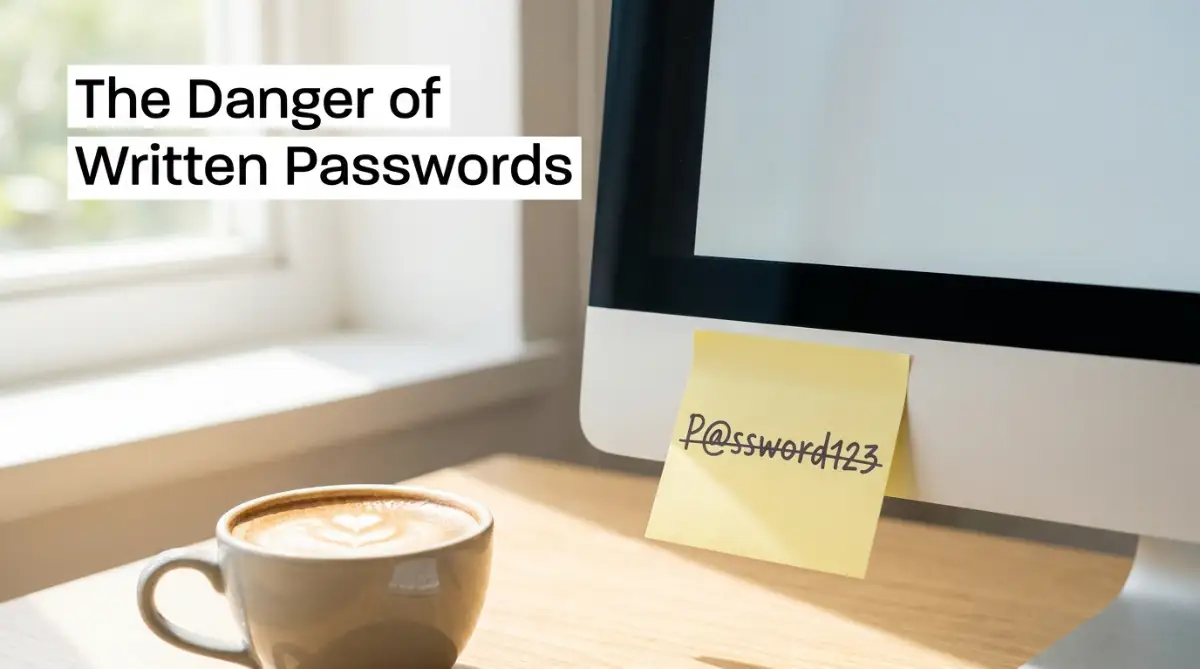
Many people realize that their memory is failing them, so they turn to the oldest tool in the world: a pen and paper. You visit a modern corporate office, and you will almost always see a bright yellow sticky note attached to the bottom of a computer monitor with a password written in plain text.
While keeping your passwords off a digital cloud feels secure, this physical habit introduces a massive, often overlooked vulnerability.
The Open Safe Scenario:
If you write your banking password on a notepad and leave it sitting on your home office desk, you are assuming your physical home is a perfect fortress. But what happens when you hire a plumber to fix a leak, or invite a new babysitter into your home?
They can easily glance at your desk, snap a silent photo with their smartphone, and walk away with your digital identity in less than two seconds.
Physical lists are also highly susceptible to environmental damage. If you accidentally spill a hot cup of coffee on your notebook, or if your house experiences a small fire, your entire digital memory is permanently erased.
You will spend weeks going through agonizing identity verification processes trying to regain access to your own accounts.
Your Actionable Strategy:
If you absolutely must write a password down physically, you cannot leave it exposed in a common area. You must purchase a heavy, fireproof lockbox or a small home safe.
Place your physical password notebook inside the safe and memorize the combination to the lockbox. This strategy guarantees that casual visitors or service workers can never accidentally see your highly sensitive login credentials.

Falling for the "Slight Variation" Trick
When modern websites force users to update their passwords every ninety days, human laziness instantly takes over. You are annoyed by the prompt, so you simply take your old password and add a number to the very end of it.
If your old password was Springtime1, your new password becomes Springtime2. You feel like you followed the rules and secured your account.
How Automated Hacking Tools Think:
Hackers know exactly how the human brain responds to forced password resets. They have programmed their hacking software to anticipate these exact, lazy variations.
If a hacker buys a list of old, leaked passwords from the dark web, their software will automatically test your old password with the numbers one through fifty attached to the end. They will also automatically capitalize the first letter and add common symbols like an exclamation point or a question mark.
If your password follows a predictable, human pattern, a basic laptop computer can crack it in less than four seconds.
Your Actionable Strategy:
You must completely abandon the idea of using real, dictionary words in your passwords. The strongest passwords in the world look like a completely chaotic, unreadable mess of characters.
A password like x&9Lp@qM2# is mathematically immune to basic dictionary guessing attacks. Because your brain cannot remember a string of characters like this, you must rely on modern technology to hold the information for you securely.
Advanced Legal Tactics for Bulletproof Contractor Agreements
Now that you understand the basic process of neutralizing liability traps and claiming ownership of your work, we must look much deeper into your legal strategy. Your independent contractor agreement is not a passive document; it is a highly active engine that dictates your business survival.
According to labor guidelines published by the U.S. Department of Labor (DOL), maintaining a clear legal distinction between an employee and an independent contractor is the absolute foundation of protecting your business status [1]. You must learn to use these established legal frameworks to protect your daily operations from sudden tax audits.
Legal research shared by the contract specialists at the American Bar Association (ABA) reveals that simple, regular audits of your payment terms can prevent up to eighty percent of all unexpected client non-payment disputes [2]. Knowing how to monitor your invoicing clauses is highly important before you start your very first major project.
Just as essential emergency preparedness checklists every household needs before a crisis hits keep your family safe during a storm, an airtight freelance contract keeps your income safe during a legal storm. Let us explore the advanced, pro-level secrets you can use to build an unbreakable wall of protection around your freelance business today.
The Secret to Defeating the "Net-90" Payment Trap
When you sign a contract with a massive corporation, their accounting department will almost always try to force you into their standard payment schedule. You will often see a tiny clause hidden at the bottom of the pricing section that simply says "Payment terms are Net-90."
If you do not know what this means, you might sign the document thinking you will get paid as soon as you finish the project. This is a massive, highly dangerous financial misunderstanding.
The Corporate Delay Tactic:
Net-90 legally means that the corporation has exactly ninety full days from the moment they receive your invoice to actually send you the money. You might spend three weeks working incredibly hard to deliver a beautiful website, but you will not see a single dollar in your bank account for three solid months.
During those three months, you still have to pay your daily grocery bills, your apartment rent, and your internet connection fees. You are essentially giving a multi-million dollar corporation a free, zero-interest loan using your own small business savings.
Your Actionable Strategy:
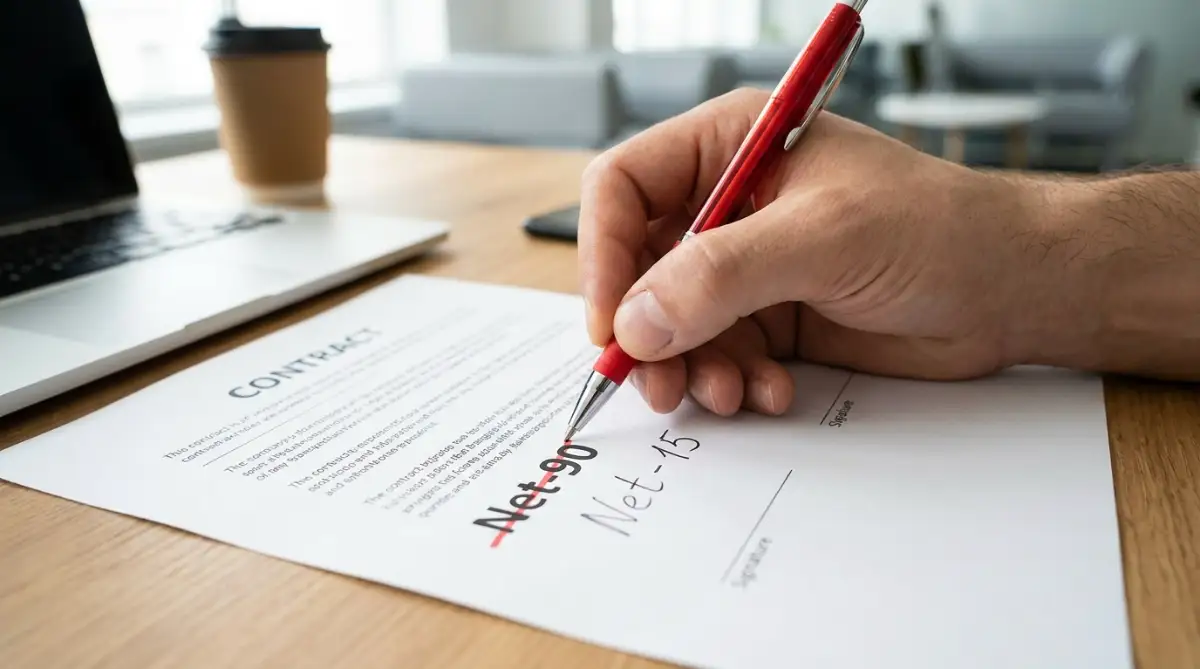
You must never accept Net-90 or Net-60 terms from any client, no matter how prestigious their company name is. Cross out their standard terms and physically write in "Net-15" or "Net-30" instead.
If a giant corporation refuses to pay a freelancer within thirty days, they are exposing a massive flaw in their own cash flow.
You must also add a Late Payment Penalty Clause directly underneath your terms. State clearly: "A late fee of 5% per month will be added to all invoices not paid within 30 days of receipt."
This simple, powerful sentence forces their accounting department to place your invoice at the absolute top of their payment pile to avoid paying unnecessary penalty fees.
My absolute biggest mistake early on was happily signing a contract with a prestigious corporate client without realizing their payment terms were "Net-90." I had to work eighty hours to deliver a beautiful website, and then I spent three painful months unable to pay my own rent while waiting for their check. The very second I started crossing out Net-90 and writing in a strict "Net-15" rule with late payment penalties, clients started treating my invoices with real respect.
Restricting the "Scope Creep" Nightmare
Many eager beginners agree to build a website or write a brochure for a fixed, flat fee of one thousand dollars. The contract simply says, "Deliver one completed website design."
This vague wording is an absolute disaster waiting to happen. Because the contract does not specify exactly what "completed" means, the client will constantly ask you to add a new page, change a color, or rewrite a paragraph.
This never-ending cycle of extra requests is famously known in the freelance world as Scope Creep.
You will quickly find yourself working eighty hours on a project that was only supposed to take twenty hours. Your effective hourly rate drops from fifty dollars an hour to less than minimum wage, completely destroying your monthly budget.
Your Actionable Strategy:
Your contract must contain a highly specific Revisions Clause. You must legally define exactly how many free changes the client gets before they have to open their wallet again.
State clearly: "This contract includes the initial design delivery and two rounds of minor revisions. Any additional revision requests beyond this scope will be billed at an hourly rate of $75 per hour."
By putting a strict mathematical limit on their requests, you force the client to think very carefully before asking for changes. They will consolidate their feedback into a single, organized email instead of sending you ten random text messages a day, saving your mental energy and your profit margins.
Quick Freelance Boundary Table:

Silent Legal Traps That Will Destroy Your Freelance Income
Before you sign another client contract or begin working on a verbal promise, watch this highly helpful video that shows you the exact legal mistakes that quietly ruin a freelancer's income. It breaks down the most dangerous contract traps in a simple, visual way, so check it out and then read the guide below!
Even highly intelligent freelancers make terrible choices when they are trying to close a deal quickly to pay their monthly rent. The intense pressure of needing money often makes us ignore basic contract safety rules and red flags.
If you fall into these incredibly common traps, your freelance business will eventually experience a complete, permanent financial failure. This frustrating cycle can easily ruin your weekend, destroy your professional confidence, and wipe out your personal savings.
Here is exactly what you must avoid to keep your business and your financial future completely secure.
The "Non-Compete" Strangulation Clause
When you start working with marketing agencies or software development firms, they will often slip a Non-Compete Agreement (NCA) into your independent contractor packet. They might tell you it is just a standard form to protect their client list.
Do not let their casual tone fool you. A non-compete clause is a highly aggressive legal weapon designed to limit your ability to make money in the open market.
If you sign a strict non-compete, the agency can legally ban you from working with any other company in their entire industry for up to two years after your project ends.
If you specialize in writing articles for real estate agents, and you sign a non-compete with one specific agency, you are suddenly legally blocked from taking on any other real estate clients.
If you lose your ability to work in your chosen niche, the sudden drop in income can easily bankrupt your household. You do not want to be forced into researching how to get unsecured loans with bad credit and actually get approved just to pay for an emergency legal defense against an angry agency.
Always refuse to sign a broad non-compete clause. Tell the client politely, "As an independent business owner, I cannot legally restrict my right to accept future clients."
If they want exclusive rights to your time, they need to hire you as a full-time, salaried W-2 employee with health benefits, not as a cheap independent contractor.
The Verbal "Start Work Now" Error
Many freelancers have a fantastic, highly energetic Zoom call with a potential client. The client loves their portfolio and says, "This is amazing! Can you start drafting the first chapter right now? I will send the contract over to you on Friday."
Because the freelancer wants to show enthusiasm and secure the relationship, they immediately start typing. This is a massive administrative mistake.
If you spend three days working on a project without a signed piece of paper, you have absolutely zero legal leverage to demand payment. The client can change their mind on Thursday, cancel the project, and legally walk away without paying you a single cent for your time.
DO's and DON'Ts For Safe Freelancing:
- DO demand a twenty-five to fifty percent upfront deposit before you type a single word or draw a single line.
- DO NOT ever begin working based solely on a verbal promise or a quick email confirmation.
- DO include a strict late payment penalty clause in every single invoice you generate.
- DO NOT sign contracts that force you to travel to a different state for a legal dispute.
Always wait for the signed digital contract to arrive in your inbox and ensure the initial deposit clears your bank account. Only then should you officially begin the creative work.
A Word from the Expert: Your Blueprint for Contract Confidence
Navigating the complicated legal language of freelance agreements does not have to be an overwhelming or terrifying experience. You now hold the exact same strategic knowledge that professional business attorneys use to protect massive creative agencies.
By taking a few short hours to read the fine print, cap your liability, and fix your payment schedules, you completely remove the heavy fear of getting scammed. You are no longer crossing your fingers and hoping a client decides to pay you on time.
Instead, you are confidently directing your own business negotiations like a seasoned legal professional. This simple shift in your mental approach gives you incredible power over your entire freelance career.
Your Client Negotiation Checklist:
- Audit the Liability: Check the contract tonight to ensure your financial liability is strictly capped at the total project fee.
- Fix the Payment Terms: Cross out any Net-60 or Net-90 terms and replace them with a strict Net-15 timeline to protect your cash flow.
- Define the Scope: Add a specific revisions clause that limits the client to exactly two free rounds of changes.
- Protect Your IP: Ensure the intellectual property only transfers to the client after your final invoice is fully paid.
Your freelance business is your ultimate path to financial freedom and creative independence. Do not let basic administrative laziness or the fear of negotiating force you into accepting terrible, one-sided contracts.
Read your agreements slowly, push back against unfair clauses politely, and take complete, fearless control of your professional future starting right now.
Looking back, taking the time to secure my online passwords and master my business contracts did not just protect my money—it completely cured my daily anxiety and gave me my professional freedom back. You do not need to be a technology genius or a corporate lawyer to protect your digital identity and your freelance business, so please do not let the fear of rules stop you. Lock down your passwords tonight, read every new agreement slowly, and take complete, fearless control of your digital career today!
Common Questions About Freelance Contracts and Cybersecurity
Why is credential stuffing so dangerous for my online accounts?
Credential stuffing is an automated attack where hackers test stolen usernames and password combinations across thousands of major websites simultaneously. If you reuse the same password on multiple websites, a security breach on a tiny, insecure forum will allow hackers to easily unlock your primary bank account or email.
What does "Net-90" mean in a client contract and why should I avoid it?
Net-90 terms legally allow a corporate client to take ninety full days from the moment they receive your invoice to actually send you your money. You should always cross out Net-90 and replace it with Net-15 or Net-30 to protect your household cash flow from starvation.
How can I protect my freelance business from "Scope Creep"?
You can easily stop scope creep by including a strict revisions clause in your contract that limits the client to a specific number of free changes, such as two rounds. Any additional requests beyond that limit should be billed at a pre-set hourly rate to protect your time and profit margins.
Is it safe to start working for a client based solely on a verbal promise or email confirmation?
Starting work without a signed digital contract and an upfront deposit gives you zero legal leverage if the client suddenly ghosts you or refuses to pay. You must always wait for the formal agreement to be signed and the initial deposit to clear your bank account before typing a single word.
Why should I avoid signing a broad non-compete agreement as an independent contractor?
A broad non-compete agreement can legally ban you from working with any other company in a specific niche for up to two years, severely crippling your ability to make a living. Independent contractors should generally refuse non-competes unless they are being hired as full-time, salaried W-2 employees with health benefits.
Disclaimer: The information provided in this article is for educational and general informational purposes only and does not constitute formal legal, financial, or tax advice. Contract law, intellectual property regulations, and independent contractor guidelines vary heavily by state, country, and specific industry. Always consult with a licensed business attorney, intellectual property lawyer, or certified tax professional regarding the exact legal protections, contract requirements, and liability limits of your personal freelance business.