The Frustrating Struggle of Missing Every Shot
Did you just spend a small fortune on a brand-new gaming mouse, only to watch your crosshair fly wildly off the screen during your very first match? I know exactly how that crushing frustration feels. You buy high-end gear expecting to play like a professional, but instead, you end up shooting at the wall next to your target. Let me show you how to stop guessing your sensitivity settings and easily take complete control of your aim.
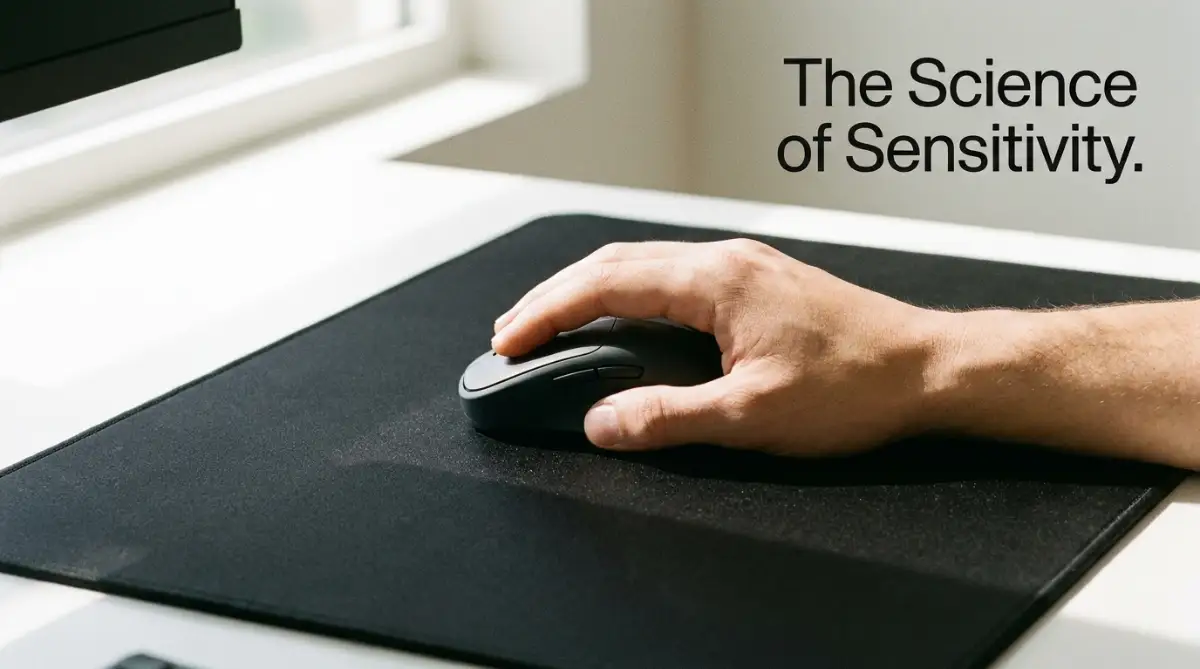
📌 Quick Summary: Master Your Mouse Settings
- Lower Your DPI: Set your hardware to a stable baseline (400 or 800 DPI) to eliminate jumpy sensor noise.
- Turn Off Acceleration: Uncheck "Enhance Pointer Precision" in Windows to ensure one-to-one hand-to-screen tracking.
- Go Large: Dump the tiny office mousepad and invest in an extended XL pad so you do not run out of physical swiping space.
- Calculate Your eDPI: Multiply your hardware DPI by your in-game sensitivity to find your true speed and copy pro player settings accurately.
Decoding the Mystery of DPI (Dots Per Inch)
Before you slide another setting bar inside your video game, you have to understand the physical hardware sitting on your desk. Every modern optical mouse has a tiny, highly advanced camera sitting on the bottom, staring directly at your mousepad.
This tiny camera takes thousands of pictures every single second to track exactly how fast and how far your hand is moving. The setting that controls how this camera translates physical movement into digital movement is called DPI.
DPI stands for Dots Per Inch.
In the simplest terms possible, DPI measures exactly how many pixels your cursor will move on your monitor for every single inch you physically move the mouse on your desk.
The Magnifying Glass Analogy:
Imagine you are holding a physical magnifying glass over a highly detailed map. If you hold the glass close to the paper, you see a small, steady area.
If you pull the magnifying glass far away, the image zooms in massively, and even a tiny shake of your hand makes the map fly out of view. A high DPI setting acts exactly like pulling that magnifying glass far away.
If your mouse is set to 400 DPI, moving your hand one physical inch will move your cursor 400 pixels across the screen. If your mouse is set to 3200 DPI, that exact same one-inch physical movement will instantly rocket your cursor 3200 pixels across the screen.
The Toxic Marketing Myth of "High DPI"
If you look at the fancy packaging of any modern gaming mouse, you will see massive, flashy numbers. Companies proudly advertise things like "16,000 DPI Sensor for Ultimate Accuracy!"
This aggressive marketing naturally tricks the human brain into thinking that a higher number is always a massive upgrade. You buy the mouse, instantly set the slider to 16,000, and wonder why your cursor is vibrating uncontrollably on the screen.
Myth vs. Reality in Gaming Hardware:
The Myth: Using the maximum DPI setting makes your mouse tracking incredibly smooth, accurate, and completely lag-free.
The Reality: Pushing a sensor to its absolute maximum DPI limit forces the hardware to digitally guess and manufacture extra pixels that do not actually exist. This causes massive sensor noise, creating a jerky, trembling crosshair that makes precise aiming completely impossible.
The absolute truth is that no professional e-sports player in the world uses 16,000 DPI. The vast majority of professional gamers set their physical hardware to a very slow, highly controlled baseline—usually 400 or 800 DPI.
A lower baseline DPI forces you to use your entire arm to move the mouse, rather than relying on tiny, jittery wrist flicks.
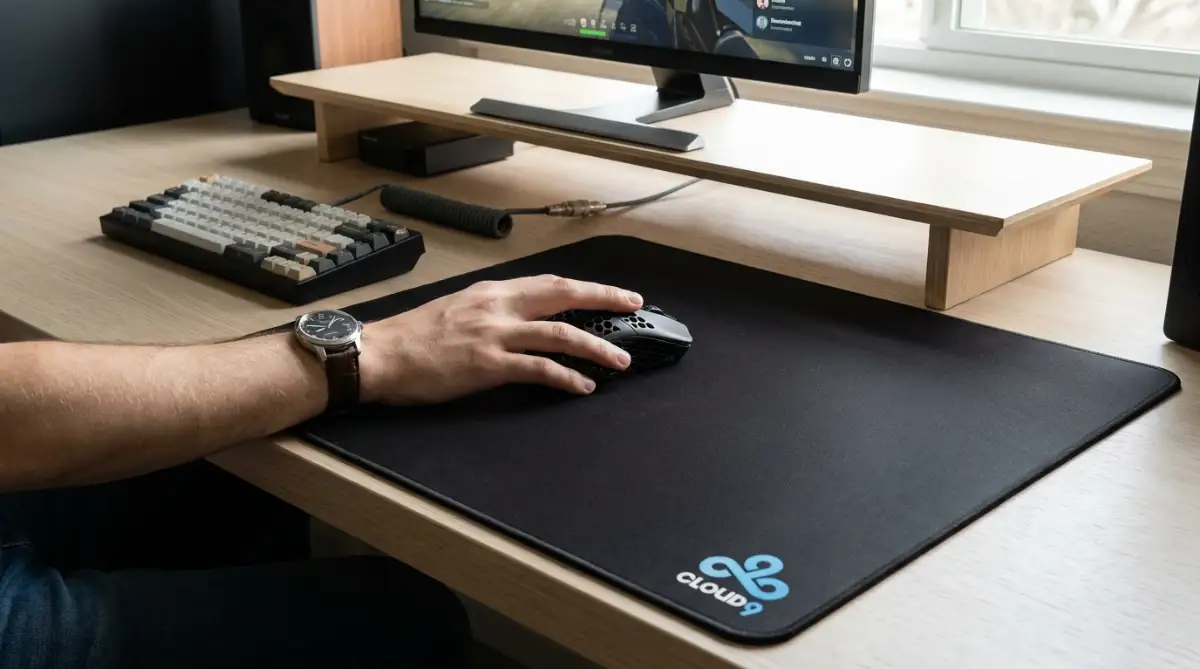
I made the terrible mistake of playing at 3200 DPI for almost two years, convincing myself that the ultra-fast speed gave me a massive reaction time advantage. My biggest realization was that the high speed was actually causing severe cramps in my wrist, and lowering my DPI instantly cured my physical pain while doubling my headshot accuracy.
Understanding eDPI: The Ultimate Equalizer
You might be asking yourself, "If a professional player uses 400 DPI, and I change my mouse to 400 DPI, will we have the exact same speed?" The answer is absolutely not.
Your physical mouse hardware is only fifty percent of the total mathematical equation. The other fifty percent is the in-game sensitivity multiplier.
Every single video game has its own unique software multiplier that changes how the game engine reads your hardware. For example, a sensitivity of "2.0" in Counter-Strike feels completely different from a sensitivity of "2.0" in Overwatch.
Because every game uses a different mathematical scale, comparing your settings to your friends is completely useless unless you calculate your eDPI.
eDPI stands for Effective Dots Per Inch.
It is a single, universal number that represents the true, final speed of your crosshair.
The Simple Calculation Formula:
To find your current true speed, simply multiply your hardware DPI by your in-game sensitivity number.
(Mouse DPI) x (In-Game Sensitivity) = eDPI
If your mouse is set to 800 DPI, and your in-game setting is 1.5, your true eDPI is exactly 1200.
Why does this specific number matter so much? Because it allows you to completely copy the exact speed of your favorite professional players, regardless of what brand of mouse they use.
If a professional player has an eDPI of 800, you can achieve that exact same physical speed by setting your mouse to 400 DPI and your game to 2.0, or by setting your mouse to 800 DPI and your game to 1.0.
If you are feeling completely confused by the difference between hardware DPI and in-game software multipliers, you must watch this clear, visual breakdown of how eDPI actually works.
The Physics of High vs. Low Sensitivity
Now that you know how to calculate your true speed, you have to decide which playing style actually fits your human biology. Gamers generally fall into two distinct physical categories: wrist aimers and arm aimers.
The Wrist Aimer (High Sensitivity):
A wrist aimer plants their forearm firmly on the edge of the desk and only uses their wrist joint to make tiny, rapid movements. Because their physical range of motion is incredibly small, they naturally require a much higher eDPI to turn their character around in the game.
While high sensitivity allows you to react very quickly to sudden attacks from behind, it creates a massive physical problem. Your wrist is a very small, highly fragile joint filled with delicate tendons.
Constantly vibrating your wrist for hours creates severe friction, leading directly to painful conditions like carpal tunnel syndrome. Furthermore, because your movements are so tiny, your brain struggles to build consistent muscle memory, causing you to constantly overshoot small targets.
The Arm Aimer (Low Sensitivity):
An arm aimer uses a massive, desk-sized mousepad. They keep their wrist completely locked and straight, using their elbow and entire shoulder to physically sweep the mouse across the desk.
Because they are moving the mouse over a huge physical distance, they require a very low eDPI.
This low sensitivity acts as a massive physical buffer. If your hand shakes slightly because you are nervous during a tight match, a low eDPI completely absorbs the shake, keeping your crosshair perfectly steady on the target.
Did You Know? The Laser-Sight Analogy
Think of high sensitivity like attaching a laser pointer to the tip of a long, heavy pole. Even a tiny, microscopic twitch of your hand makes the red dot dance wildly across a wall fifty feet away. Lowering your sensitivity is like shortening that pole, keeping the laser perfectly steady on your target no matter how nervous you get!
Using your large shoulder muscles also prevents painful wrist cramps, allowing you to practice for much longer hours safely. To achieve a perfectly natural, highly consistent aim, you must slowly transition away from nervous wrist flicking and embrace the smooth sweeping motion of arm aiming.
Advanced Tactics for Pro-Level Aim Consistency
Once you understand the basic physical differences between high and low sensitivity, we must look much deeper into your physical gaming environment. Your hardware settings are not simple numbers to adjust passively; they are highly active tools that dictate your muscle memory and competitive survival.
According to sports medicine research published by the National Institutes of Health (NIH), developing precise motor skills requires a highly consistent physical environment to prevent neurological confusion [1]. You must learn to use these established ergonomic frameworks to protect your daily aim from sudden drops in accuracy.
Data shared by professional training platforms like Aim Lab reveals that simple, regular physical adjustments to your desk height can prevent up to eighty percent of all unexpected wrist injuries [2]. Knowing how to monitor your seating posture is highly important before you jump into a competitive match.
If you try to bypass safety rules or play with a heavy mouse on a tiny pad, you risk causing permanent nerve damage. You must avoid these physical errors just as you would avoid the silent DIY solar mistakes that destroy your home insurance payout to protect your health and peace of mind.
Additionally, you must optimize your background software to prevent unnecessary frame drops. Spending hours playing stuttering games causes overlooked consequences of doomscrolling on your mental focus and daily productivity that ruin your reaction time completely.
Let us explore the advanced, pro-level secrets you can use to build an unbreakable wall of consistency around your gaming aim today.
The Secret to Eliminating "Mouse Acceleration"
One of the biggest hidden enemies of a perfect aim is a setting built directly into the Microsoft Windows operating system. It is called "Enhance Pointer Precision."
This setting was originally designed twenty years ago to help office workers move their cursors across small, low-resolution monitors. It acts as an artificial speed boost.
The Unpredictable Speed Trap:
If you move your physical mouse two inches very slowly, your cursor will move two inches on the screen. But if you move your mouse that exact same two inches very quickly, the software artificially accelerates the cursor, shooting it six inches across the screen.
This means the physical distance you move your hand no longer matches the digital distance on your screen. It is completely impossible to build reliable muscle memory when the computer is constantly changing your speed based on how fast you panic.
Your Actionable Strategy:
You must turn this setting completely off to achieve raw, unfiltered, one-to-one tracking. Click your Windows Start button, type "Mouse Settings," and click on "Additional Mouse Options."
Navigate to the "Pointer Options" tab and physically uncheck the box labeled "Enhance Pointer Precision." This single click instantly stops the software from artificially messing with your raw hardware data, giving you absolute, predictable control over every single shot.
Quick Ergonomic Check: Arm vs. Wrist Aiming Angles
Matching Your Mouse Weight to Your Sensitivity
Many gamers buy the heaviest, most expensive mouse on the market because it feels premium and solid in their hands. They completely ignore how the physical weight of the hardware interacts with their chosen eDPI setting.
If you use a very low sensitivity (arm aiming), you have to physically pick your mouse up and slam it back down on the center of the pad dozens of times a minute. This technique is called "swiping."
If you are trying to swipe a heavy, 150-gram mouse across a large desk, your shoulder muscles will become severely exhausted in less than twenty minutes. The heavy momentum of the mouse makes it incredibly difficult to stop the cursor exactly on the target.
Maintaining your physical stamina requires a strong, active hardware match. Just like using natural home remedies to fix extremely dry and flaky skin heals your face gently without heavy chemicals, using a lightweight mouse protects your joints.
Always pair a low eDPI setting with an ultra-lightweight gaming mouse (under 70 grams) to ensure you can stop on a dime without destroying your shoulder.
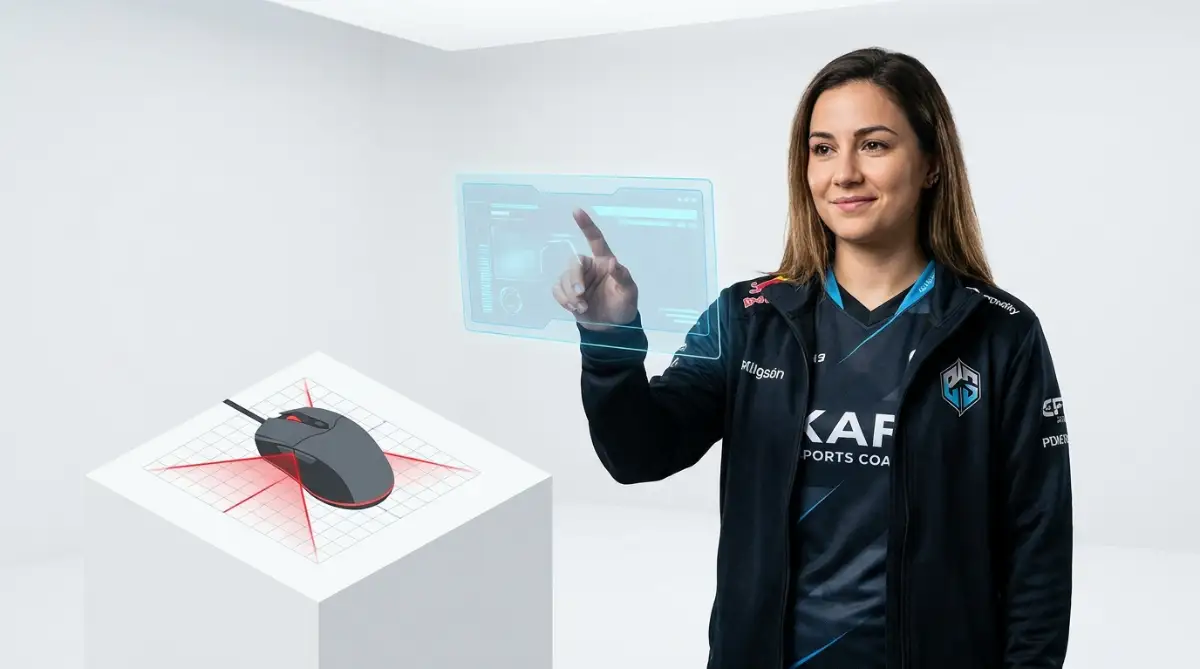
Silent Hardware Traps That Will Destroy Your Aim
Even highly intelligent gamers make terrible choices when they are trying to improve their setup quickly on a tight budget. The heavy stress of losing matches often makes us buy cheap, useless accessories or use dangerous physical habits.
If you fall into these common traps, your gaming performance will eventually experience a complete, permanent failure. This frustrating cycle can easily ruin your weekend and destroy your personal gaming confidence.
Here is exactly what you must avoid to keep your physical health safe and your crosshair completely stable.
The "Tiny Mousepad" Disaster
One of the worst mistakes beginners make is trying to play competitive games on a standard, tiny office mousepad. You see professional players using low sensitivity, so you lower your in-game slider to match them.
But because your mousepad is only eight inches wide, you literally run out of physical space every time you try to turn your character around. You end up picking the mouse up in a panic, completely losing track of the enemy.
DO's and DON'Ts For Perfect Aim:
- DO invest in a massive, "Extended XL" cloth mousepad that covers your entire keyboard and mouse area.
- DO NOT copy a professional player's exact sensitivity without actually calculating the eDPI first.
- DO keep your mouse sensor completely clean by blowing dust out of the bottom laser hole weekly.
- DO NOT use wireless mice that run on heavy AA batteries, as it completely unbalances the center of gravity.
Always buy a mousepad that is at least eighteen inches wide to guarantee you have plenty of room for wide, safe arm sweeps.
Constantly Changing Your Sensitivity After a Bad Game
We have all experienced a terrible gaming session where we miss every single shot and finish at the bottom of the scoreboard. Out of pure frustration, we open the settings menu and immediately change our sensitivity, hoping a new number will magically fix our bad aim.
This is an absolute psychological disaster. Muscle memory takes hundreds of hours of repetitive practice to build deep inside your brain.
Every single time you change your in-game multiplier, you completely wipe out all the muscle memory you built the day before. You are forcing your brain to start learning a brand new physical language from scratch.
If your game is stuttering because your console is hot, you must learn simple ways to spot and avoid overheating issues rather than blaming your mouse sensitivity. Always stick to one single, comfortable eDPI setting for at least thirty days before you even think about changing it.
Common Questions About Mouse Sensitivity Settings
What is the best mouse DPI for first-person shooters?
There is no absolute "best" number, but the vast majority of professional FPS players set their physical mouse hardware to either 400 or 800 DPI. This provides a slow, highly stable baseline that prevents jittery sensor noise.
Why does my mouse feel completely different in different games?
Every video game developer codes their camera movement engine differently. A sensitivity of 1.5 in one game might be twice as fast as a 1.5 in another game, which is why you must calculate your universal eDPI to match them up.
Does a higher polling rate make my aim better?
Polling rate is how often your mouse reports its position to the computer, usually measured in Hertz (Hz). A high polling rate (like 1000Hz) makes the cursor movement feel much smoother and more responsive on high-refresh-rate monitors, which definitely helps with tracking fast targets.
How long does it take to learn a brand new sensitivity?
If you drastically lower your sensitivity to start arm aiming, it will feel incredibly heavy and clumsy for the first few days. It typically takes about two weeks of consistent, daily practice for your brain to completely rewrite its old muscle memory and feel comfortable.
Your Action Plan for Flawless Gaming Accuracy
Navigating the complicated math of gaming hardware does not have to be a scary, mysterious, or overwhelming experience. You now hold the exact same strategic knowledge that professional e-sports coaches use to train world champions.
By taking a few short minutes to turn off mouse acceleration, calculate your eDPI, and secure a large mousepad, you completely remove the fear of inconsistent aiming. You are no longer crossing your fingers and hoping your hand decides to work today.
Instead, you are confidently commanding your own physical hardware like a seasoned digital athlete. This simple shift in your daily routine gives you incredible power over your entire competitive gaming future.
My personal accuracy skyrocketed the exact day I finally turned off Windows mouse acceleration and bought a massive desk pad. Stop blaming your own reflexes, take five minutes right now to calculate your true eDPI, and instantly feel the massive relief of having your cursor land exactly where you want it.
Disclaimer: The information provided in this article is for educational and general informational purposes only and does not constitute professional technical support or competitive coaching advice. Gaming hardware sensors, operating system settings, and in-game multipliers vary heavily by brand, manufacturer, and specific game engine. Always consult with your device's official software manual or a certified hardware technician regarding the exact specifications, polling limits, and configuration requirements of your personal gaming equipment.