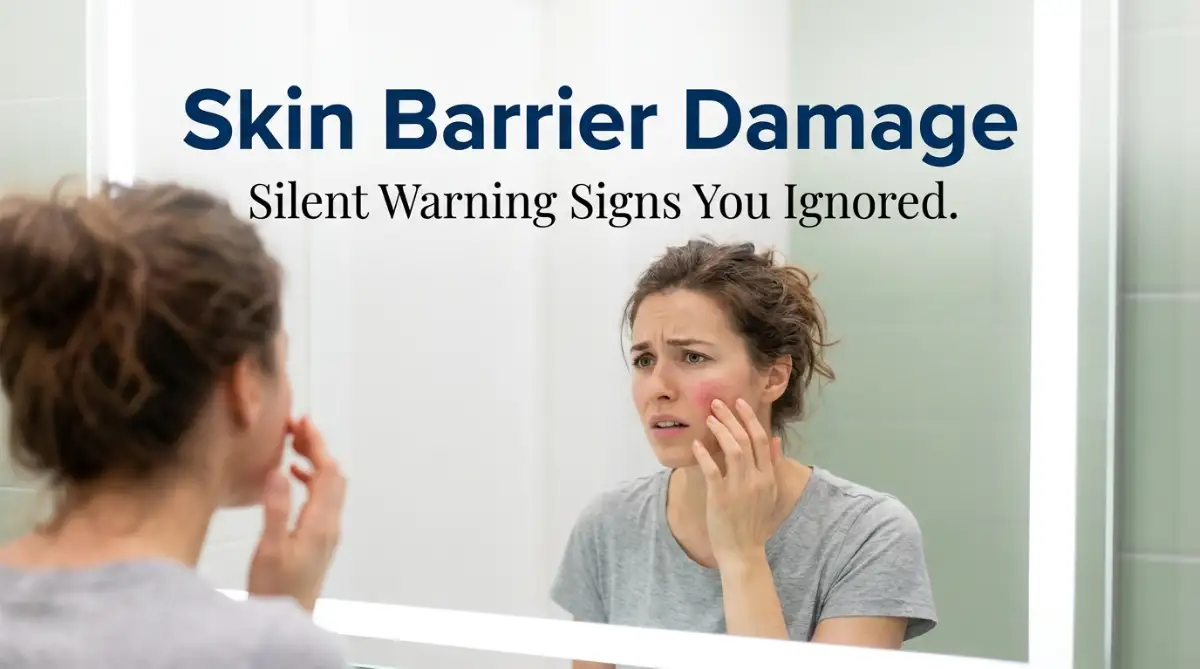
The Frustrating Mystery of the Sudden Burn
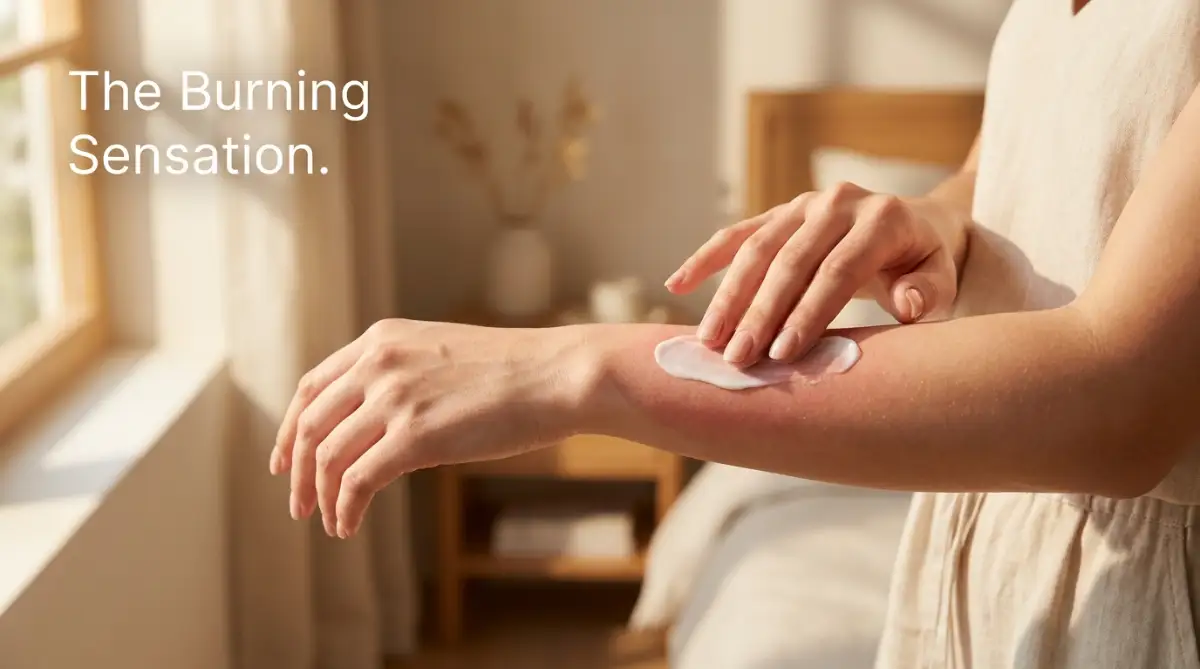
I spent months buying expensive "calming" moisturizers, only to have my face burn like fire the second I applied them. My skin was peeling, bright red, and constantly tight. I thought I had suddenly developed massive allergies, but it turned out I had completely destroyed my skin's natural protective barrier. If your skincare products are suddenly stinging, do not panic. Let me show you exactly how to stop the burning and repair your skin barrier safely.
Quick Self-Check: Is Your Barrier Damaged?
Take a look at this simple checklist. If you say "yes" to more than two of these, your skin barrier definitely needs a break.
- Stop using all active ingredients immediately (No Retinol, Vitamin C, AHAs, or BHAs).
- If your skin feels "squeaky clean" after washing, your soap is too harsh. Switch to a non-foaming cream cleanser.
- Excess afternoon grease is often a sign of severe dehydration; your skin pumps oil to trap whatever water is left.
- Seal your skin at night with a heavy botanical butter or healing ointment to stop moisture from evaporating while you sleep.
Decoding the Invisible Shield: What Is the Skin Barrier?
Before you spend another twenty dollars on a fancy "calming" serum, you have to understand the basic mechanics of human skin. Your face is not a solid sheet of plastic.
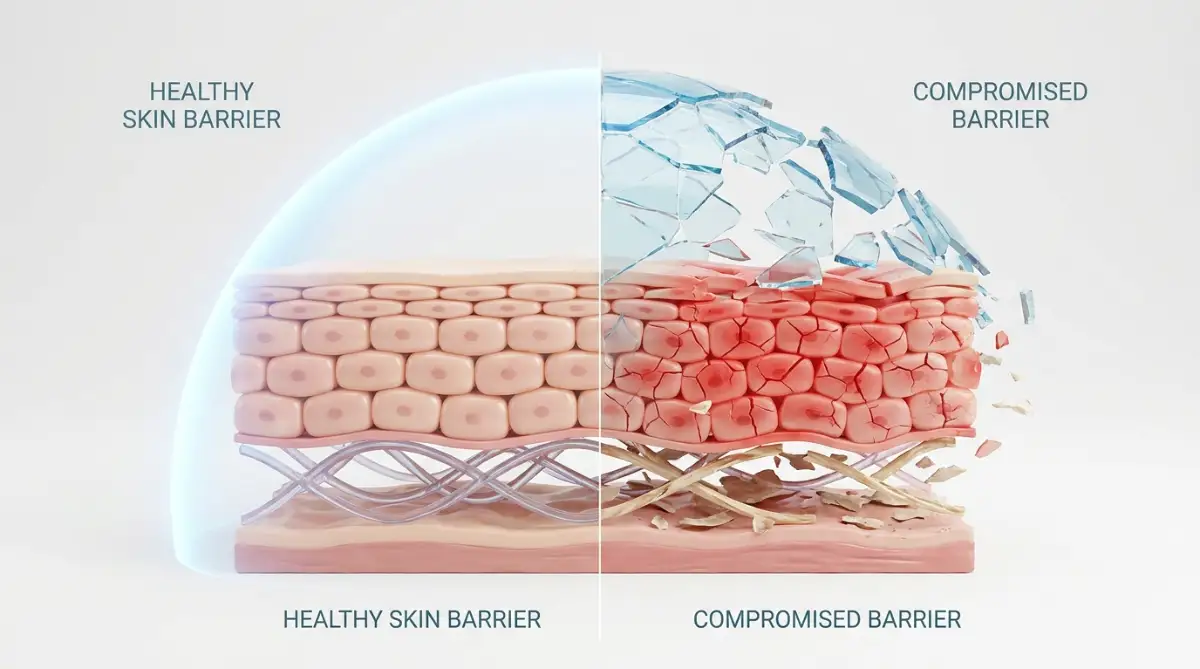
It is a highly complex, living wall made of millions of tiny building blocks. These cellular building blocks are held together by a natural, oily glue called the lipid barrier or the acid mantle.
When this lipid barrier is strong and healthy, it has two highly specific, highly important jobs. Its first job is acting like a heavy glass lid on a pot of boiling water, locking all your natural moisture deep inside your cells.
Its second job is acting like a heavy brick wall, physically blocking outside pollution, dirt, and strong chemicals from entering your bloodstream. When you use harsh scrubbing brushes or strong chemical peeling acids, you violently rip away that natural oily glue.
The Open Wound Analogy:
Imagine getting a deep, painful scrape on your knee after falling on the concrete. If you pour a thick, scented lotion directly into that open, bleeding scrape, your body will scream in absolute agony.
Your skin barrier behaves in this exact same logical way. When the barrier is stripped away, your microscopic nerve endings are left completely bare and exposed to the open air.
Applying a normal moisturizer to a broken barrier is literally rubbing chemicals directly into millions of tiny, invisible open wounds on your face. We have to identify the exact symptoms of this damage before we can fix it.
The Acid Mantle pH Scale:
- Healthy Skin (pH ~5.5): Slightly acidic. This keeps moisture locked in and bad bacteria locked out.
- Damaged Skin (pH 7.0+): Highly alkaline. This happens when you use harsh foaming soaps. When you apply acidic creams to alkaline skin, the chemical clash causes that terrible burning sensation.
The Tight and Shiny Paradox
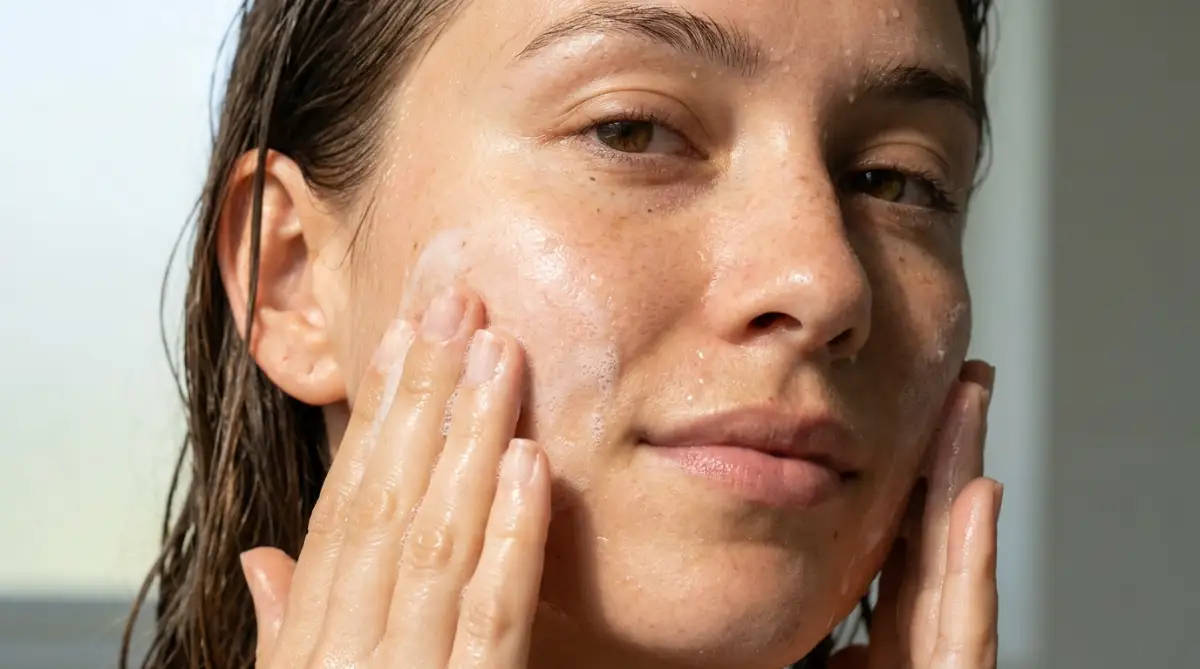
One of the most confusing warning signs of a compromised barrier is a highly specific physical texture. Many people wake up, wash their face, and notice their skin looks incredibly shiny and smooth, almost like a piece of polished glass.
They mistakenly believe this shiny appearance means their skin is perfectly clean and tight. In reality, this "squeaky clean" feeling is an absolute biological disaster.
Myth vs. Reality in Skincare Textures:
The Myth: If your face feels tight and looks shiny after washing, your pores are deeply cleaned and free of dirt.
The Reality: Healthy skin should feel soft, plump, and highly flexible, never tight. A tight, shiny forehead means you have aggressively stripped away 100% of your protective lipids, leaving your skin stretched to its absolute physical breaking point.
When your skin is stretched this tightly, it actually pulls your pores wide open. This makes your pores highly visible and completely vulnerable to catching floating dust and bacteria from the air.
Your Actionable Assessment:
Tomorrow morning, wash your face with your normal routine and gently pat it dry with a towel. Do not apply any serums or moisturizers for exactly five minutes.
If your face feels so tight that smiling or yawning is physically uncomfortable, your barrier is highly compromised. You must immediately throw your foaming face wash in the trash and switch to a gentle, non-foaming hydrating cleanser that does not strip your oils.
The Sudden Oil Slick Rebellion
Another massive symptom that heavily confuses consumers is a sudden, aggressive explosion of facial oil. You might notice that your nose and forehead are dripping with thick, greasy sebum by two o'clock in the afternoon.
Your natural human instinct is to grab a harsh, drying toner or an acne pad to aggressively scrub the grease away. This action creates a terrible, never-ending biological loop of destruction.
The Desert Survival Analogy:
Think of your skin cells exactly like a person trying to survive in a hot, dry desert. When your lipid barrier is broken, your internal water evaporates rapidly into the dry office air.
Your skin cells begin to panic because they are dying of severe thirst. Because your skin cannot magically drink water from the air, it uses its only available defense mechanism: it forces your pores to pump out massive amounts of thick, heavy oil.
The skin is desperately trying to create a greasy oil slick to cover the broken barrier and trap whatever tiny amount of water is left inside the cells.
I made the terrible mistake of buying a strong salicylic acid wash when my face suddenly got greasy last winter. My biggest realization was that the harsh acid stripped away the emergency oil my skin was making, which caused my skin to panic even harder and produce double the amount of grease the very next day.
If you are terrified of making your oily skin worse, you absolutely must watch this expert dermatological breakdown on why treating oily skin with harsh acids is a massive mistake.
The "Everything Burns" Chemical Alarm
This is the most obvious, physically painful sign that your security wall has completely collapsed. We discussed this briefly in the introduction, but we must look at the actual chemistry behind the burning sensation.
You might own a very gentle, basic moisturizer that you have used safely for five straight years. Suddenly, applying that exact same familiar cream makes your cheeks turn bright pink and sting violently.
This happens because standard moisturizers are formulated to sit on top of a healthy acid mantle. The chemical pH of the lotion is balanced to interact with the natural oils on your skin's surface.
When the acid mantle is destroyed, the pH of your skin completely changes from slightly acidic to highly alkaline. When you apply your normal, slightly acidic lotion to an alkaline, unprotected face, you trigger an immediate, aggressive chemical reaction.
Your Actionable Strategy:
The exact second a product makes your face sting or burn, you must wash it off immediately with cool water. Do not try to "push through the pain" thinking the product is just working hard.
A burning sensation is never a sign of a product working; it is a blaring biological alarm siren warning you of active tissue damage. Stop using all complex serums, vitamin C, and retinol creams immediately, and strip your routine back to absolute basics until the stinging completely stops.
My Barrier Rescue Hit-List:
When my face was burning, I stopped using everything except these three gentle basics:
- A hydrating, non-foaming cream cleanser (no lather).
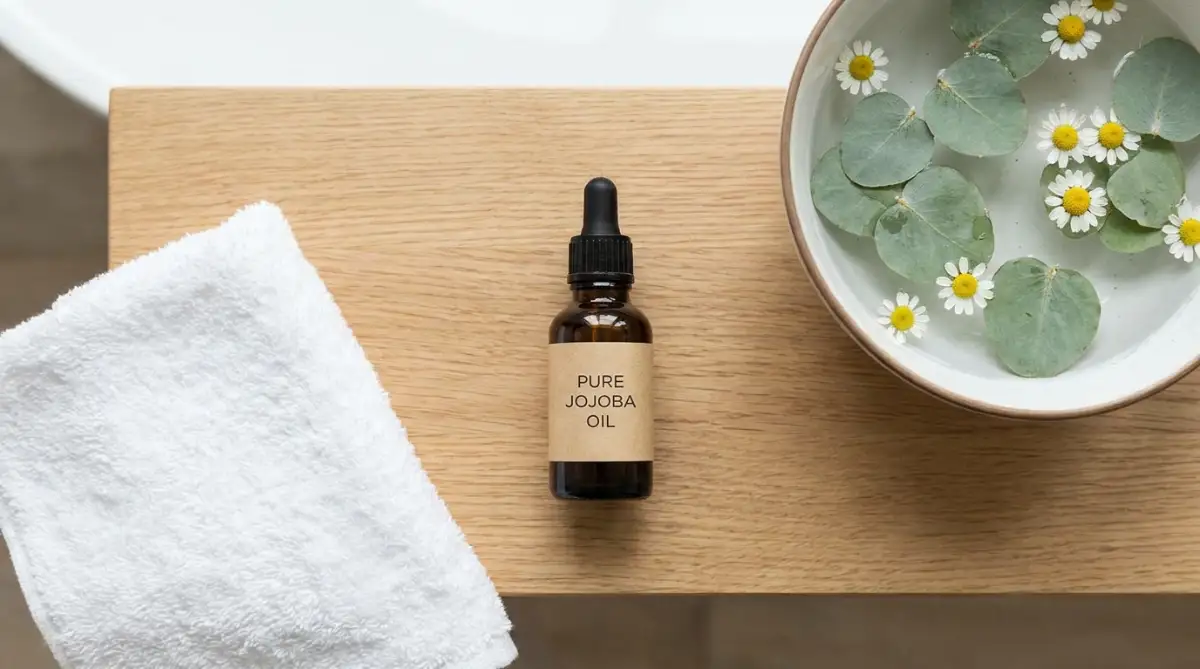
- A 100% pure botanical oil (like Jojoba or Squalane oil) applied to damp skin.
- A thick layer of raw Shea butter or CeraVe Healing Ointment to seal it overnight.
Your Long-Term Strategy for Healthy Skin
According to official skincare guidelines from the American Academy of Dermatology (AAD), fixing a broken skin barrier is not a magical overnight process. It takes patience and a very gentle touch. You have to remember that your skin is a living organ trying its hardest to heal itself.
By stepping back and stripping your routine down to just a gentle cleanser and a deeply hydrating moisturizer, you give your cells the breathing room they actually need. Instead of letting bad habits ruin your face, much like making dangerous morning routine mistakes that secretly destroy your daily productivity, taking five minutes to gently care for your skin sets a calm, healthy tone for the entire day.
I know exactly how frustrating it is to deal with burning, peeling skin. But I promise you, if you stop using harsh scrubs and start protecting your face with gentle oils, the redness will fade. If you want to explore more holistic approaches, you can easily look into natural home remedies to fix extremely dry and flaky skin health protection to complement your healing journey. Take a deep breath, throw away those harsh chemical peels tonight, and let your natural barrier rebuild itself in peace!
Common Questions About Skin Barrier Repair
How long does it actually take to fix a damaged skin barrier?
If you completely stop using harsh active ingredients and switch to a gentle, hydrating routine, your skin barrier can repair itself in about three to four weeks. However, severe damage might take up to two months of strict, gentle care to fully heal.
Should I exfoliate the dry, peeling flakes off my face?
Absolutely not. Using rough physical scrubs or chemical acids on a broken barrier will tear the sensitive skin and cause microscopic bleeding. You must heavily moisturize the flakes until they soften and naturally fall off on their own.
Can I wear makeup while my skin is repairing itself?
You can wear makeup, but it is highly recommended to avoid heavy, matte foundations that dry out the skin further. Try to take a few "no-makeup" days during the week to let your pores breathe, and always remove your makeup gently with an oil-based cleanser.
Is it normal for my skin to produce massive amounts of oil when it is dry?
Yes, this is incredibly common. When your barrier is broken and deep moisture evaporates, your skin panics and overcompensates by pumping out heavy oil to create an emergency seal. Hydrating your face properly actually signals your skin to stop producing that excess grease.
Health & Skincare Disclaimer:
The information provided in this article is for educational and general informational purposes only and does not constitute formal medical or dermatological advice. Individual skin types, sensitivities, and physical conditions vary heavily by person. Always consult with a board-certified dermatologist or a primary healthcare provider regarding any severe chronic skin issues, painful rashes, or before making drastic changes to your daily skincare routine.