The Day My Web Address Vanished Into Thin Air
Have you ever poured your heart into building a business, only to wake up one morning and find your website replaced by a blank "This Domain Is For Sale" page? I lost my very first brand this exact way because I let a web designer register my name under his own email address. It was an incredibly expensive and painful mistake. Today, I am going to show you exactly how the domain registry system actually works, so you can lock down your digital identity and never lose your web address to scammers or careless developers.
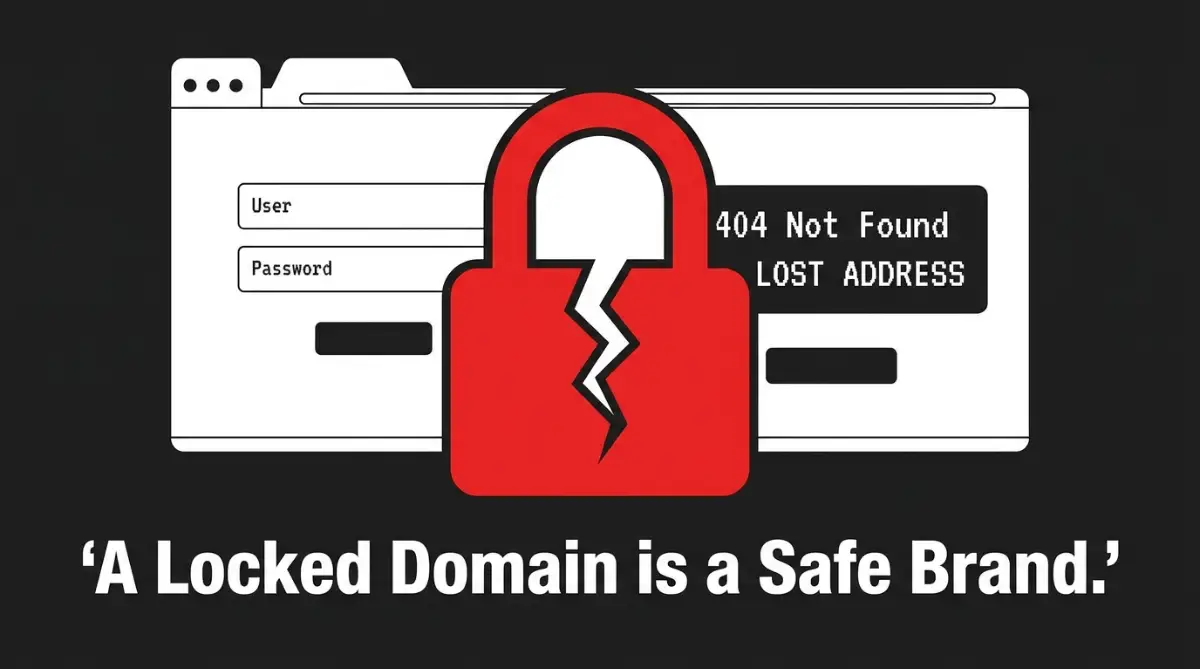
Your 4-Step Domain Protection Plan:
- Always register your domain using an email address you fully own and control, never an agency or an employee's personal email.
- Turn on auto-renewal immediately and attach a backup payment method so your domain doesn't expire by accident.
- Enable the "Registrar Lock" feature to stop hackers from transferring your name to another company.
- Secure your registrar account with an authenticator app (2FA) so nobody can log in, even if they guess your password.
Securing Your Digital Name: The Correct Way to Register, The Registrant Email Trap: Who Actually Owns the Name?
When you buy a domain, the registrar asks for several contact details, including the Registrant, Administrative, and Technical contacts. The most important field of all is the Registrant contact, because this is the legal owner of the domain.
If you let an agency or a friend register the domain using their email address, they are the legal owners of your brand in the eyes of the law. Even if you paid for the domain with your own credit card, the person listed as the Registrant holds all the power.
Always ensure that your own primary business email is listed in the Registrant field. If you hire a third party to build your site, insist on creating the domain account yourself first, and then grant them limited technical access.
The Safe Developer Handover Checklist 📋
If you are hiring someone to build your website this week, follow my strict rule of three before handing over any money:
- Create your own account on a registrar like Namecheap or GoDaddy.
- Buy the domain yourself using your own corporate email and credit card.
- Only share a "Delegate Access" or "Guest Pin" with your developer. Never hand over your master password!
Myth vs. Reality: Domain Ownership Clarified
- Myth: Paying a developer to buy your domain means you own the domain automatically.
- Reality: The domain legally belongs to whoever is listed as the Registrant in the public WHOIS database, regardless of who paid the bill.
- Myth: Once I buy a domain, it belongs to me forever.
- Reality: You are only leasing the domain from the registrar, and if you forget to pay your renewal fee on time, anyone can buy it the next day.
The Hidden Danger of Forgetting to Turn on Auto-Renewal
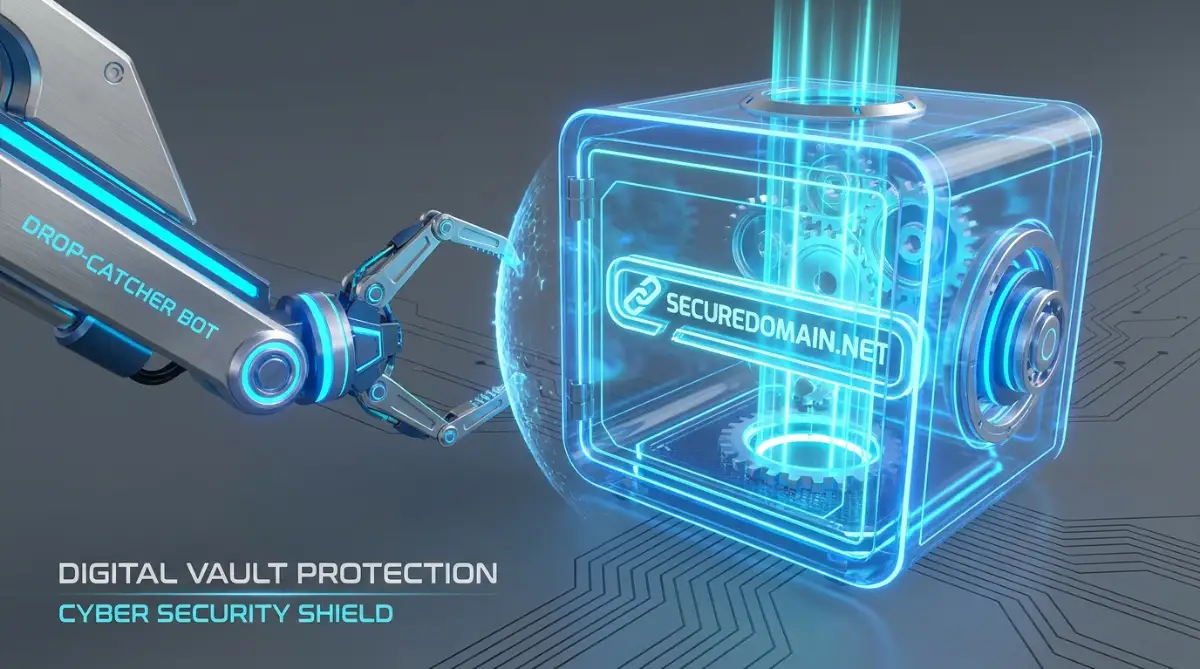
Many small business owners buy a domain for a year and assume they will remember to renew it when the time comes. This is a highly dangerous game because specialized computers called drop-catchers are constantly waiting for valuable domains to expire.
The very second your domain registration expires, these automated systems will buy your name and try to sell it back to you for thousands of dollars. To prevent this, you should always enable the auto-renewal feature in your registrar control panel.
Plus, you must keep your payment details updated so a expired credit card does not cause your system to fail. We recommend adding a secondary backup payment method to your account to ensure your name remains safe under all circumstances.
My biggest mistake early on was using a personal credit card for my domain and completely forgetting about it. When that card expired unexpectedly, my domain went up for sale, and an automated drop-catcher grabbed it within minutes, demanding $2,000 to give it back. The very second I enabled auto-renewal and added a secondary backup payment card, I finally took the target off my brand's back.
Neglecting Trademark Verification Before Clicking Buy
Another common mistake is purchasing a domain name without checking if the name is already trademarked by another business. If your new domain is too similar to an existing trademark, the owner can file a legal complaint under the Uniform Domain-Name Dispute-Resolution Policy (UDRP).
Under these rules, the registrar can be legally forced to transfer your domain directly to the trademark owner without giving you any compensation. This means you could lose your entire web presence even if you had no bad intentions.
Always run a quick, free search on official government trademark databases before you buy a domain name. Taking this simple five-minute step saves you from future legal headaches and protects your hard-earned business reputation.
Leaving the Registrar Lock Feature Turned Off
When you register a domain, it is often unlocked by default, which means it can be easily transferred to another registrar. Hackers and competitors can use social engineering or phishing emails to trick your registrar into transferring your domain away from your account.
To stop this from happening, you must log into your control panel and activate the Registrar Lock feature, also known as a Transfer Lock. This simple lock prevents any unauthorized transfer requests from going through until you manually unlock it using a secure verification code.
Also, we highly recommend enabling two-factor authentication (2FA) on your registrar account. This keeps your domain safe even if someone manages to guess your account password.

Advanced Domain Safeguards: Expert Security Protocols for Business Owners
Securing your online brand name requires more than just a strong account password. When your business grows, it becomes a target for advanced hackers and competitors who want to steal your web traffic. You must implement professional-level security protocols to ensure your domain remains entirely under your control.
One of the most effective ways to protect your brand is by enabling Domain Name System Security Extensions (DNSSEC). This advanced security feature adds a unique digital signature to your domain's DNS records. It acts like a secure watermark, ensuring that your visitors are always directed to your actual website rather than a fake clone.
According to the official ICANN DNSSEC Resources, this technology is a major defense against cache poisoning attacks.
Another important strategy is practicing defensive domain registration. This means purchasing common typos of your brand name and other popular top-level domains (TLDs) like .net, .org, or local country codes. By owning these alternative addresses, you prevent malicious actors from redirecting your audience to copycat sites.
If you ever find yourself facing an unauthorized registration that infringes on your legal rights, you can seek help. You can learn about international dispute resolution options through the WIPO Domain Name Dispute Center. This legal avenue can help you reclaim what is rightfully yours without paying ransom to digital squatters.
Pro Q&A: What if a Squatter Already Took My Name?
Question: I forgot to renew, and now a random company wants $5,000 for my domain. What do I do?
My Advice: Do not pay them immediately! If you hold a registered legal trademark for that exact name, you can file a UDRP complaint to have it returned to you forcefully. If you don't have a trademark, try negotiating through an anonymous domain broker so the squatter doesn't realize how desperate you are.
The Pro-Level Ownership Audit: A Continuous Checklist
To keep your digital assets safe, you must perform regular audits of your registrar accounts. Make sure you check who has access to your domain management dashboard at least once a month.
- Audit your email access: Ensure that the primary email associated with your registrar account uses two-factor authentication. If someone hacks your email, they can easily bypass your domain lock.
Before you read through these common pitfalls, watch this highly helpful video that explains the most dangerous domain registration mistakes business owners make. It breaks down the system rules in a simple, visual way so you do not accidentally hand over your brand name to a stranger, so check it out and then read the guide below!
.Keep your WHOIS contact data clean: Verify that your physical address, phone number, and administrative details are completely accurate. Outdated contact data can make it impossible for your registrar to verify your identity during an emergency.
- Use corporate payment methods: Avoid using personal credit cards that might get misplaced or expire unexpectedly. Always use a dedicated business card with a high credit limit to prevent renewal failures.

Critical Pitfalls: How Innocent Mistakes Lead to Domain Losses
Many founders lose their web addresses because they do not understand the rules of the registry system. They make simple, trust-based decisions that turn into legal and financial disasters down the road. Let us look at the most common ways businesses accidentally hand over their names to other people.
Q: Is it safe to let my web developer buy my domain name?
This is one of the most common mistakes in the business world. You pay a developer to build your site, and they register the domain using their own agency account. Years later, you decide to hire a different developer, and the original creator refuses to release your name.
If you lose your business website overnight, your entire income stream can dry up in an instant. This sudden loss of revenue can strain your budget, leaving you searching for how to get unsecured loans with bad credit and actually get approved. To prevent this, always buy the domain yourself and grant your developer limited access.
Q: Can I use an employee’s email address to manage our domain registrar?
Using an individual employee’s personal or work email to set up your domain account is a recipe for disaster. When that employee leaves the company, they might take the login credentials with them or lose access to the email entirely.
This oversight can cause long-term administrative lockouts that are incredibly difficult to resolve. Neglecting to use a central company address is just like other overlooked habits that quietly destroy your smartphone battery lifespan because the damage builds up slowly until the system completely fails. Always use a generic, secure corporate email address like domain@yourcompany.com.
Q: Does registering a domain name protect me from trademark lawsuits?
Many people believe that if a registrar sells them a name, they have the absolute legal right to use it. This is a very dangerous misunderstanding of intellectual property laws.
If your name conflicts with an existing trademark, you can be sued and forced to transfer the address.
Your Action Plan for Tomorrow: Reclaiming Control of Your Brand
Protecting your web presence does not have to be a stressful or confusing task. You now possess the key strategies needed to keep your brand secure from competitors and technical errors. By taking a few simple steps today, you can ensure your website remains yours forever.
We want to make sure your business stays safe and your mind remains at peace. Here is your quick, step-by-step action plan to implement as soon as possible:
- Step 1: Log into your domain registrar account right now and verify that your personal or business email is listed as the Registrant contact.
- Step 2: Check your billing settings and make sure Auto-Renewal is turned on with an active backup credit card.
- Step 3: Confirm that your Registrar Lock (Transfer Lock) is active and two-factor authentication is enabled.
Take a deep breath and start with step one today. Your web address is the most important asset your business owns online, so do not leave its safety to chance. Move your domain onto a secure, self-controlled account and take complete charge of your digital journey starting right now.
Looking back, surviving that awful domain hijacking actually forced me to stop procrastinating and start acting like a smart, proactive digital business owner. You do not need to be a coding genius or a tech expert to protect your website, so please do not let the fear of technical jargon stop you from taking action today. Log into your registrar account tonight, lock down your email, and take complete, fearless control of your digital identity right now!
Common Questions About Domain Registration and Ownership
Why is the Registrant contact field so important when buying a domain name?
The Registrant contact field lists the legal owner of the domain name in the public WHOIS database, regardless of who actually paid the bill. If an independent web developer or agency registers your domain using their own personal email, they legally own your brand name and can hold it for ransom.
What happens if my domain name expires and I forget to renew it?
The moment your domain registration expires, specialized automated computers called drop-catchers can buy your brand name instantly. They will then try to sell your exact web address back to you for thousands of dollars, completely disrupting your business.
Does buying a domain name mean I am legally protected from trademark lawsuits?
Registering a domain name does not give you absolute trademark protection or immunity from intellectual property laws. If your domain name conflicts with an existing trademark owned by another business, you can still be sued and legally forced to transfer the address over to them.
What is a Registrar Lock and why should I enable it?
A Registrar Lock, also known as a Transfer Lock, is a simple security setting that prevents your domain from being transferred away from your account without your explicit permission. Enabling this feature stops hackers from using social engineering or phishing tactics to steal your web address.
Should I let my web developer buy and manage my company's domain name?
You should always purchase and register your domain name using your own company account, then grant your developer limited technical access. Letting a third party buy the domain under their own account creates a massive operational risk if they ever vanish or refuse to hand over the login credentials.
Hosting & Domain Legal Disclaimer
Disclaimer: The information provided in this article is for educational and general informational purposes only and does not constitute professional legal, financial, or technical advice. We are not licensed attorneys, trademark specialists, or certified domain registrars. Registering a domain name does not guarantee trademark protection or immunity from trademark infringement claims. Always consult with a qualified legal professional or a certified trademark attorney before selecting, registering, or investing heavily in a business domain name to ensure full compliance with local and international laws.