Waking up at three in the morning just to unplug your phone because you are terrified of "overcharging" the battery is an exhausting habit built entirely on old tech myths. Modern gadgets do not use the fragile nickel batteries our parents warned us about—today's devices are powered by smart lithium cells and built-in computer chips that physically stop accepting electricity the second they hit 100%. In this guide, I will show you why leaving your phone plugged in overnight is completely safe, how extreme heat is the real villain silently killing your battery health, and the simple settings you can turn on tonight to add years to your device's lifespan.
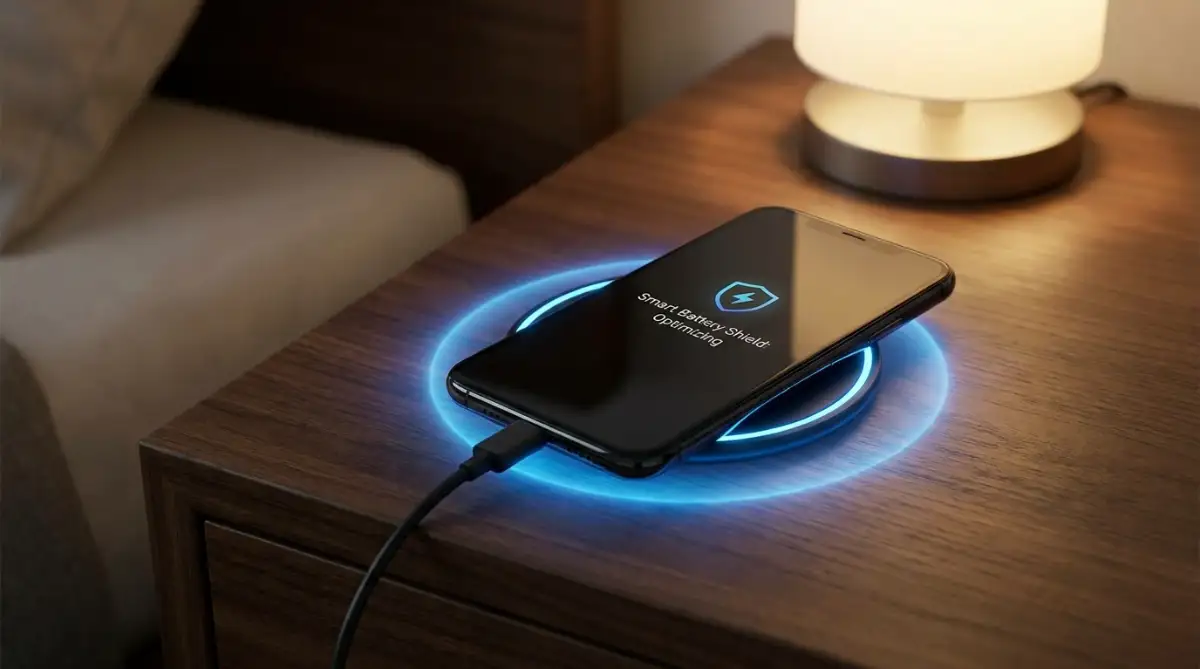
📌 What You Need to Know About Overnight Device Charging:
-
Overcharging is a myth: Built-in Power Management chips automatically shut off incoming electricity at 100%, running your phone directly off wall power.
-
Heat kills battery life, not cables: Never charge under a pillow or thick blanket; trapped heat cooks internal lithium layers and permanently cuts capacity.
-
Turn on Optimized Charging: Both iOS and Android feature smart software that pauses charging at 80% and finishes the last 20% right before your alarm rings.
-
Avoid complete zero drops: Draining modern lithium-ion cells to 0% causes deep chemical stress; plug your device in when it reaches roughly 20%.
The True Science Behind Your Gadget's Power Supply
To really understand why we have been lied to for so long, we need to look at how modern power systems actually operate. You do not need to be an engineer to get this. Think of your phone battery like a simple bucket of water.
When you plug your phone into the wall, the charger acts like a heavy flowing hose filling up that bucket. In the old days, that hose would just keep running even when the bucket was completely full. The water would spill over the edges, causing massive damage and stress to the container itself. This is exactly what happened with older nickel-cadmium batteries used in early cell phones and tools.
Those old batteries suffered from something called a "memory effect." If you did not let them die completely before charging them again, they would literally forget their total capacity. They would also take in continuous power even when they were full, which led to dangerous overheating and a ruined power cell.
But your current smartphone, tablet, or laptop does not use those ancient materials. Today, almost every portable electronic device runs on a highly advanced lithium-ion or lithium-polymer battery. These power cells are completely different beasts.
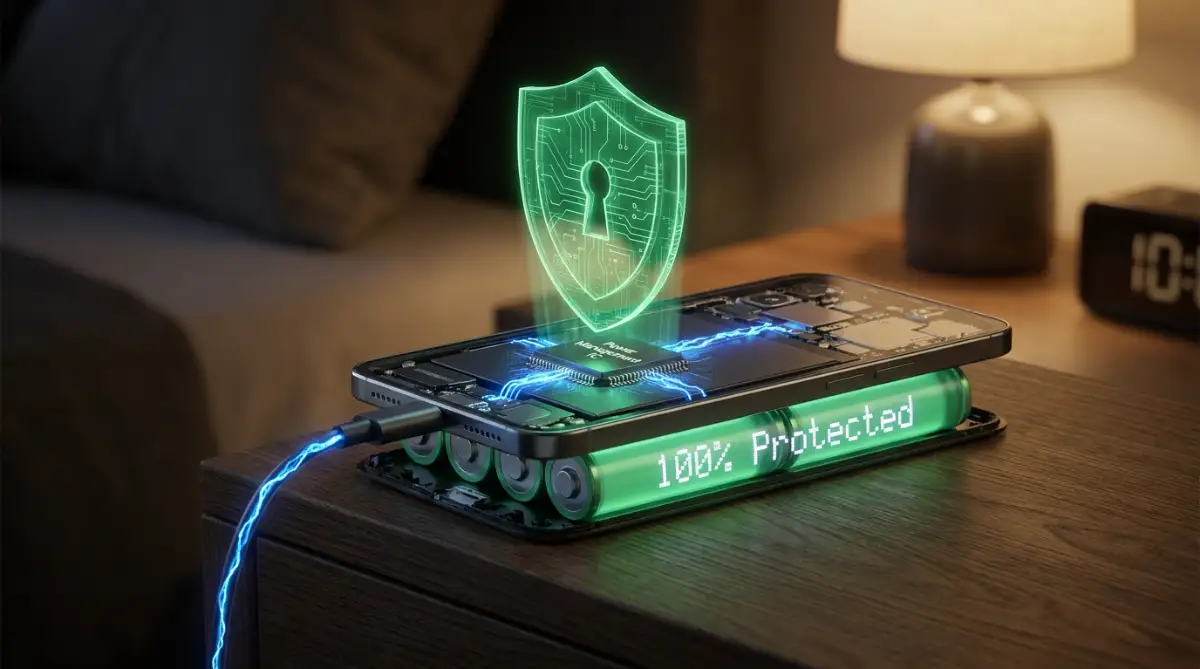
More importantly, your modern device has a tiny, incredibly smart computer chip built right into the charging port. This is called a Power Management IC (Integrated Circuit). This tiny chip is the unsung hero of your daily tech life.
When your modern battery reaches one hundred percent, this smart chip acts like a digital traffic cop. It completely stops the flow of electricity coming from the wall charger. The "hose" gets shut off automatically, no matter how long the cable stays connected.
Breaking Down The "Overcharging" Illusion
Let us talk about the biggest lie of them all: the fear of overcharging. You have probably heard someone warn you that leaving your phone plugged in while you sleep will push too much power into the battery and cause it to swell or explode.
Because of the Power Management IC we just talked about, true overcharging is virtually impossible on any modern, name-brand device. Your smartphone knows exactly when it is full. Once it hits that maximum capacity, it reroutes the power.
Instead of forcing more energy into a full battery, the device starts running directly off the power coming from the wall outlet. The battery just gets to rest. It is essentially taking a nap while the wall electricity powers your background apps, Wi-Fi updates, and morning alarms.
However, something very interesting happens while it rests. Over several hours, your phone naturally loses a tiny bit of power just by staying turned on. It might drop to ninety-nine percent.
When this happens, the smart chip gently lets a tiny sip of electricity back in to push it up to one hundred percent again. This slow, gentle process is called "trickle charging." Trickle charging is perfectly safe and is designed by engineers to keep your device ready for the morning without causing any harm.
Myth vs. Fact: The "Overcharging" Fear
Myth: Leaving my phone plugged in overnight pushes too much electricity into the battery and makes it explode.
Fact: Impossible! Modern smartphones have a built-in Power Management IC chip. Once the battery hits 100%, this tiny computer physically shuts off the incoming power. Your phone is essentially taking a nap while running directly off the wall outlet!
🎬 Visual Myth-Buster: What Really Happens at 100% Charge?
If you still feel guilty leaving your charger plugged into the wall all night, watch this short, engaging breakdown from Simple Things - Surprising Histories. They investigate the real science behind modern charging cables and explain how internal circuits protect your phone from overcharging while you sleep:
Now that you have seen how modern circuits keep overcharging impossible, let us examine the true villain quietly destroying your battery health: extreme heat.
The Real Silent Killer Destroying Your Gadgets
If leaving your phone plugged in overnight does not overcharge it, why do batteries still degrade over time? Why does your phone hold less of a charge after a year of use? The answer is not the amount of time it spends on the charger.
The real, absolute worst enemy of your battery is extreme heat.
Lithium-ion batteries are very sensitive to temperature changes. They operate best right at room temperature, similar to what you find comfortable in your home. When a battery gets too hot, the chemical reactions inside start to break down at a rapid pace. This chemical breakdown permanently destroys the total capacity of the cell.
Here is where the overnight charging problem actually comes into play. The danger is not the electricity itself. The danger is where you are placing your device while it charges all night.

Think about your own bedtime habits for a moment. Do you plug your phone in and toss it onto your soft mattress? Do you occasionally fall asleep with the phone tucked right underneath your pillow?
I used to sleep with my phone under my pillow while it was plugged in so I could hear my alarm clearly. I realized this was trapping all the heat generated during the charging cycle and cooking my battery alive. Now, I keep it on a cool, hard wooden nightstand, and the difference in my battery lifespan has been absolutely incredible.
When you charge a device, it naturally produces some heat as energy flows into the battery. If your phone is resting on a hard, flat surface like a desk or a bedside table, that heat escapes easily into the air. The device stays nice and cool.
But if it is buried under blankets, resting on a thick rug, or trapped inside a heavy leather case, that heat has nowhere to go. It bounces right back into the battery. You are essentially baking your smartphone while you dream.
Why the 20-80 Rule Actually Matters
Now that we know overcharging is a myth and heat is the real villain, we need to talk about battery stress. Even though the phone stops accepting a charge at one hundred percent, staying at full maximum capacity puts a certain level of tension on the battery cells.
Imagine eating a huge Thanksgiving dinner. You are completely full. Now imagine someone forces you to stay completely full, taking another bite every time you digest a little bit. You would feel incredibly uncomfortable and bloated.
Your lithium-ion battery feels a similar type of stress when it is forced to sit at exactly one hundred percent for hours on end. It is not exploding, but it is under high physical tension. Over a long period of time, this constant high-voltage state can slightly speed up the aging process of the battery chemistry.
Because of this, tech experts often talk about the "20-80 rule." This guideline suggests that you should try to keep your battery percentage between twenty and eighty percent for the best possible long-term health.
When your battery stays in this middle zone, the chemical layers inside are relaxed. There is no extreme voltage tension.
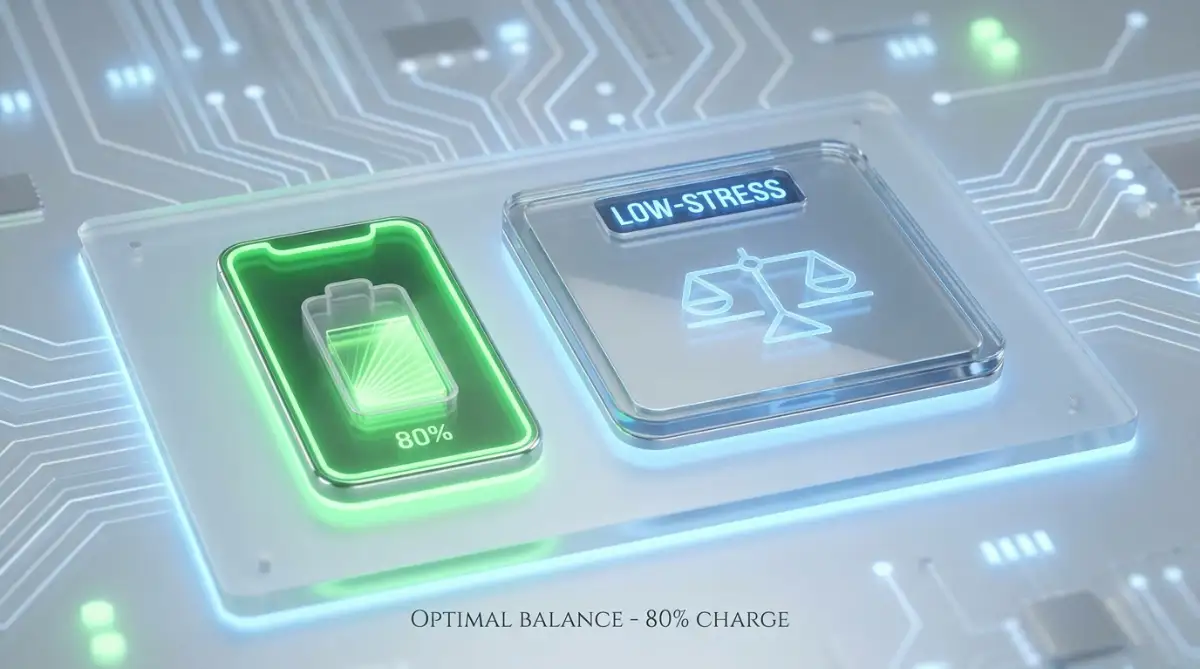
Does this mean you should wake up at 3 AM to unplug your phone when it hits eighty percent? Absolutely not. Losing your sleep over a gadget completely defeats the purpose of technology making our lives easier.
How Apple and Android Fixed the Problem for You
The brilliant engineers who design our phones are well aware of this high-voltage stress issue. They know we want to plug our phones in overnight. So, instead of forcing us to change our habits, they changed the software to protect us.
Both iOS and Android have introduced incredible smart charging features in recent years. If you own an iPhone, it is called "Optimized Battery Charging." On Android devices, it might be called "Adaptive Charging" or "Protect Battery."
These software features use machine learning to understand your exact daily routine. Your phone learns what time you usually go to sleep and what time you normally wake up.
When you plug your phone in at midnight, the software allows it to quickly charge up to eighty percent. Then, it completely stops the charging process. It intentionally leaves your phone slightly empty for the entire night, keeping the battery totally relaxed and stress-free.
Then, right before you normally wake up—say around 6 AM—the phone turns the charger back on and fills that last twenty percent. When your alarm goes off at 7 AM, you have a perfectly fresh, one hundred percent charged phone.
This process completely eliminates the high-voltage stress of sitting at maximum capacity all night. You get the convenience of overnight charging with zero downsides. If you have not turned this feature on in your battery settings yet, you are missing out on the easiest way to protect your device.
The Laptop Myth: Should You Leave It Plugged In?
While we spend a lot of time stressing over our phones, laptops create an entirely different level of confusion. Many people who work from home leave their laptops plugged into the charger twenty-four hours a day, seven days a week.
Other people constantly plug and unplug their laptops throughout the workday, trying to mimic the charging habits of their cell phones. This constant plugging and unplugging can actually be exhausting and distracting.
Just like smartphones, modern laptops use smart lithium-ion battery packs. And just like smartphones, they cannot physically overcharge.
When your laptop hits one hundred percent, the internal power switch flips. The laptop stops drawing power from the battery and runs entirely on the AC power coming from the wall outlet. Leaving it plugged in while you work at your desk is generally perfectly fine and completely safe.
However, there is a catch that you need to be aware of. Laptops generate significantly more heat than smartphones, especially when you are doing heavy tasks like video editing, playing games, or running massive spreadsheets.
If you leave a hot laptop plugged in all the time, you are combining that natural computer heat with a fully maxed-out battery state. This combination of heat and maximum voltage tension can definitely cause the battery to swell or lose capacity over a few years.
To solve this, major laptop brands like Dell, Lenovo, and Apple have introduced desktop modes. These built-in software tools purposefully limit the maximum charge of your laptop to around sixty or eighty percent if they detect the computer is always connected to a charger.
If you use your laptop mainly at a desk like a traditional computer, turning on this charge limit feature is the smartest thing you can do. You can leave it plugged in forever without worrying about destroying the internal power cell.
The Case Trick: A Simple Fix for Better Health
We already established that heat is the ultimate destroyer of your battery's lifespan. But there is a very common accessory that makes this heating problem much worse: your protective phone case.
We all use heavy-duty cases to protect our expensive glass screens from drops and cracks. But thick rubber, leather, and plastic cases act like a heavy winter coat for your phone. They trap the natural heat generated by the processor and the battery.
When you plug your phone in overnight, especially if you are using a fast charger, the temperature rises quickly. If that thick case blocks the heat from escaping, the battery slowly roasts inside its own shell.
You do not need to throw away your favorite case, but you should practice a little common sense. If you notice your phone gets physically hot to the touch while charging, simply pop it out of the case before you go to bed.
Taking two seconds to remove a thick case gives the device a chance to breathe. The aluminum or glass back of the phone is specifically designed to act as a heat sink, pulling warmth away from the delicate battery components. Letting the phone cool naturally in the open air is one of the easiest ways to add months of healthy life to your battery.
Expert Pro-Tip: The "Cool Surface" Rule
Never charge your phone while it is sitting on your bed, couch, or under a pillow. Soft fabrics trap the heat generated by the battery. Always place your charging device on a hard, flat surface like a wooden nightstand or a marble counter so the heat can safely dissipate into the air.
Does Fast Charging Ruin the Battery?
Another massive myth floating around the internet is that fast chargers will instantly destroy your phone's battery health. We see these huge power bricks promising to give us fifty percent battery in just thirty minutes, and we naturally assume that much power must be dangerous.
The truth is much more balanced. Fast charging technology is incredibly complex and surprisingly safe. The phone and the charger actually "talk" to each other constantly during the charging process.
When your battery is completely dead, it can safely absorb a massive amount of power very quickly without taking any damage. This is why the first fifty percent fills up in a flash. The battery is empty, and the ions have plenty of room to move around rapidly.
But as the battery gets closer to being full, the space inside gets crowded. Pushing electricity in at a high speed becomes much more difficult. If the charger kept pushing maximum power at this stage, it would generate dangerous levels of heat and ruin the battery.
So, the smart chip steps in again. Once the battery passes seventy or eighty percent, the phone tells the fast charger to slow down. The power drops significantly, and the last few percentages are filled at a normal, slow speed.
Because of this intelligent speed control, fast chargers are not the battery killers they are made out to be. They only deliver high power when it is perfectly safe to do so. You do not need to throw away your fast charger out of fear.
However, fast charging does create slightly more heat than standard slow charging. If you are charging overnight while you sleep, there is absolutely no reason to use a fast charger. You have eight hours to kill.
Using an older, slower charger next to your bed is a fantastic habit. It keeps the battery perfectly cool all night long. Save your fast charger for your living room or office, where you actually need a quick boost before heading out the door.
⚡ Charger Wattage vs. Battery Health: Where Is the Sweet Spot?
My Hardware Rule: Do not use a 65W laptop brick to charge your smartphone while sleeping. You have eight full hours to sleep, so using a gentle, slow charger overnight produces zero heat and protects your battery's chemical layers for years to come.
The Myth of Fully Draining Your Battery
Let us tackle one more classic piece of advice that you need to stop following immediately. Many people still believe they need to let their phone die completely to zero percent before plugging it back in. They call this "calibrating" the battery.
With old nickel-based batteries, this was actually necessary. But doing this to a modern lithium-ion battery is incredibly harmful.
Lithium-ion cells hate extremes. They do not like being at one hundred percent, and they absolutely despise dropping all the way to zero percent. When a modern battery is completely drained, the chemical layers can become slightly unstable.
If you leave a battery at zero percent for a long period of time, it can fall into a deep discharge state. When this happens, the internal protection circuit might shut down completely for safety reasons. At that point, the battery will never accept a charge again. It becomes a permanent brick.
You should try to plug your phone in before it drops below fifteen or twenty percent. Treating your ba