Every time you click a quick "Sign in with Google" button on a free calendar app, shopping tracker, or inbox cleaner, you might be handing a stranger full permission to read your private emails. Most people think deleting an app off their phone stops the tracking, but the digital access token remains active on corporate servers for years. In this guide, I will show you how third-party apps secretly harvest your receipts and medical notes, how to check your hidden permission settings, and how to kick unwanted spies out of your inbox in under sixty seconds.
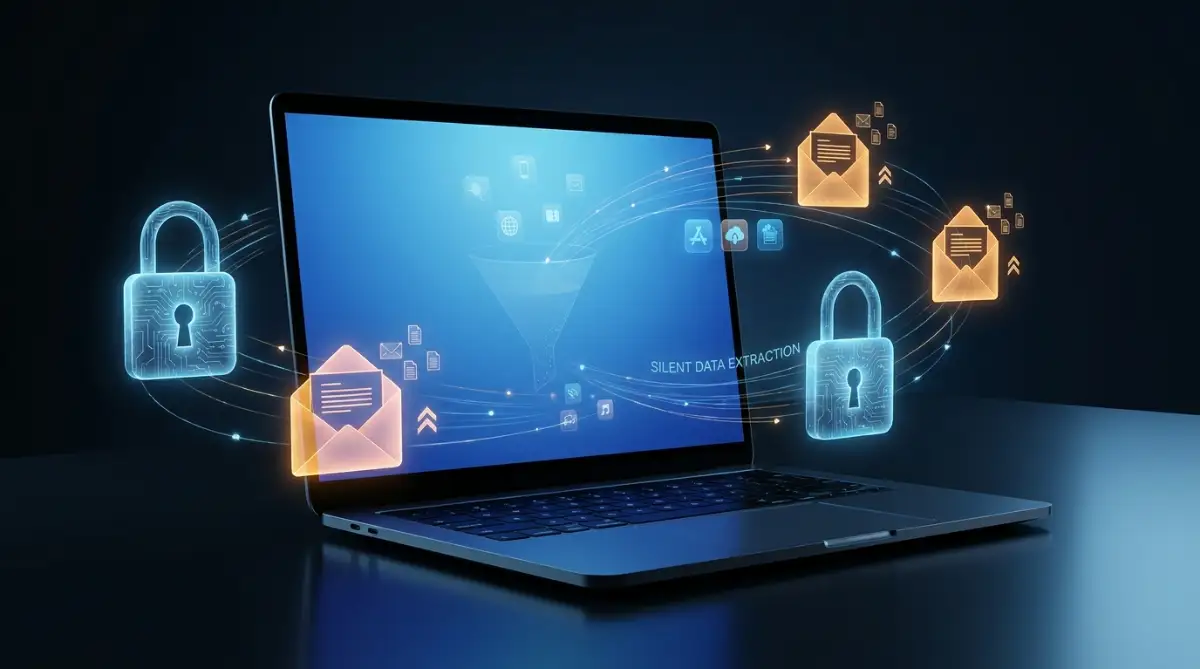
📌 What You Must Know About Third-Party Email Access:
-
Deleting the app changes nothing: Removing an icon from your phone leaves the server-side OAuth connection completely open; you must revoke access directly from your email security dashboard.
-
Free cleaners sell your inbox: Free newsletter cleanup tools and receipt trackers fund their servers by mining purchase data and selling consumer profiles to data brokers.
-
Watch for token theft: Hackers do not need your password if they breach a connected app; active access tokens allow them to intercept password resets and empty accounts.
-
Audit every three months: Set a quarterly calendar reminder to visit your Google, Microsoft, or Apple account dashboard and delete permissions for tools you no longer use.
How We Accidentally Give Away Our Deepest Secrets
To truly protect yourself, you need to understand exactly how these digital permissions actually work. When you sign up for a new service, they usually offer a magical button that says "Sign in with your email provider." This feature uses a system designed to share your digital identity securely.
However, the problem starts when the app asks for additional permissions beyond just verifying your name. The service presents a quick checklist of things it wants to do, like "read, send, and permanently delete all your emails." Most people simply ignore the fine print and blindly click the bright blue confirmation button.
Once you click that button, you grant an automated software bot full access to scan your entire message history. The app uses advanced artificial intelligence algorithms to read the text of your private messages. It searches for specific keywords, purchase receipts, and travel itineraries to build a massive database about your life.
⚠️ The Permission Danger Scale: Safe Scopes vs. Red Alerts
My Security Rule: Never grant "Read, compose, or send" permissions to a free utility tool like an unsubscription service or package tracker. If an app demands full inbox reading rights to perform a simple task, click "Cancel" immediately.
Think about this process like hiring a house cleaner to tidy up your living room. You expect them to just sweep the floors and wash the windows. But because you left all your filing cabinets unlocked, they also start reading your personal diary and your financial tax returns.
The Myth of Free Email Management Services
Many of the biggest offenders in this space are apps that promise to organize your inbox for free. We all hate getting annoying promotional newsletters and spam messages every single day. Services that promise to unsubscribe you from these lists look like an absolute lifesaver.
But you have to ask yourself how these companies actually afford to keep their servers running. If you are not paying them any actual money, they are making a profit by monetizing your personal information. Your inbox is an absolute goldmine of marketing data for advertising companies.
These free cleanup tools scan your purchase receipts to see exactly which brands you buy. They track how much money you spend on groceries, streaming services, and online shopping. They then package this highly detailed profile and sell it to massive data brokers for a huge profit.
You are essentially trading your deep personal privacy just to avoid hitting the delete button yourself. The convenience of a clean inbox is simply never worth the extreme cost of total surveillance.
The Financial Danger of Unrestricted Access
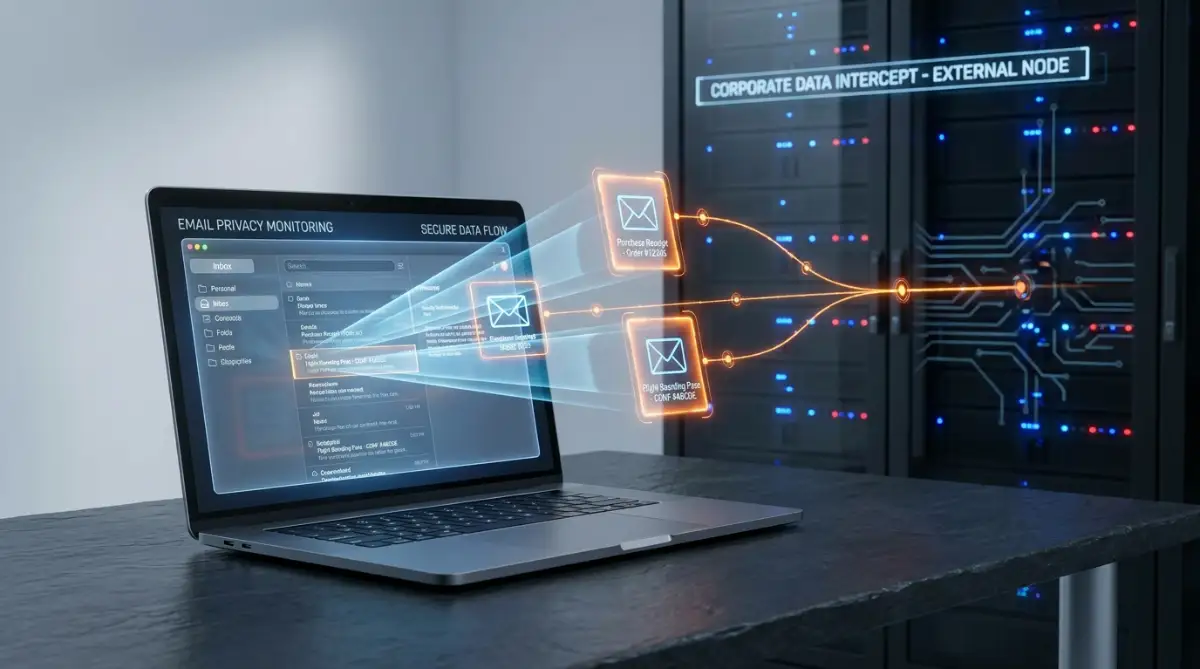
The risks go far beyond simple targeted advertising and annoying banner ads. When a third-party app holds the keys to your inbox, you are trusting their security team perfectly. If that specific app gets hacked by cybercriminals, your entire email account becomes completely vulnerable.
Hackers do not need to steal your actual email password if they can steal the active connection token from the third-party app. Once they have that token, they can quietly monitor your incoming messages. They can watch for password reset emails from your bank or your cryptocurrency exchange.
They can trigger a password reset on your most valuable accounts in the middle of the night. Because they have inbox access, they can intercept the security code, change your bank password, and delete the notification email instantly. You wake up the next morning with empty accounts and absolutely no warning signs.
This is a very real nightmare scenario that happens to unsuspecting people constantly. Your primary email address is the central hub for your entire digital identity. Protecting that specific hub must become your highest priority on the internet.
Identifying the Most Common Suspects
You might be wondering which types of applications are the most dangerous to keep connected. The answer usually lies in apps that promise extreme convenience and automation. Anything that offers to manage your schedule, track your packages, or organize your contacts needs deep inbox access to function.
Package tracking apps are notoriously aggressive with their scanning behaviors. They need to read the shipping confirmations sent by major online retailers to give you delivery updates. This means they are reading exactly what you bought, when you bought it, and where it is being shipped.
Another major category includes professional networking tools and automated sales software. These programs ask to connect to your email so they can log your conversations with potential clients. While they might be useful for your job, they are quietly archiving years of your professional communications on an external server.
I learned this hard lesson myself a long time ago. I used to ignore the small print on connection screens because I was always in a rush. Now, I always set up a completely separate dummy email account just for testing new apps before letting them touch my real data.
📱 Mobile Walkthrough: How to Revoke Google Permissions on Android
If you are reading this on your phone and want to see the exact menus to tap, watch this quick screen walkthrough from Technomentary. They show you how to open your Google Account settings inside Android, locate every connected third-party tool, and delete their access in under two minutes:
Now that you know how to revoke access on your phone, let us expose the dangerous myth that tricks millions of users into thinking they are safe: deleting the app icon.
Taking a few extra seconds to read the permission request screen is your best line of defense. If a simple calculator app asks for the ability to send emails on your behalf, you know something is terribly wrong. You must train your brain to question why a specific tool needs your private information.
The Illusion of Deleting an App from Your Phone
One of the biggest misunderstandings in digital security involves how we actually sever ties with these companies. When people get nervous about an app, their first instinct is to simply hold down the icon and delete it from their smartphone. They assume that deleting the app instantly stops all the data tracking.
Unfortunately, this is completely false. Deleting an application from your mobile device only removes the local user interface. The actual connection between their external servers and your email provider remains completely active in the background.
The company will continue to quietly pull your incoming messages, analyze your receipts, and build your profile. They do not care that you removed the app from your home screen. As long as the digital handshake remains valid, their automated bots will keep harvesting your personal life.
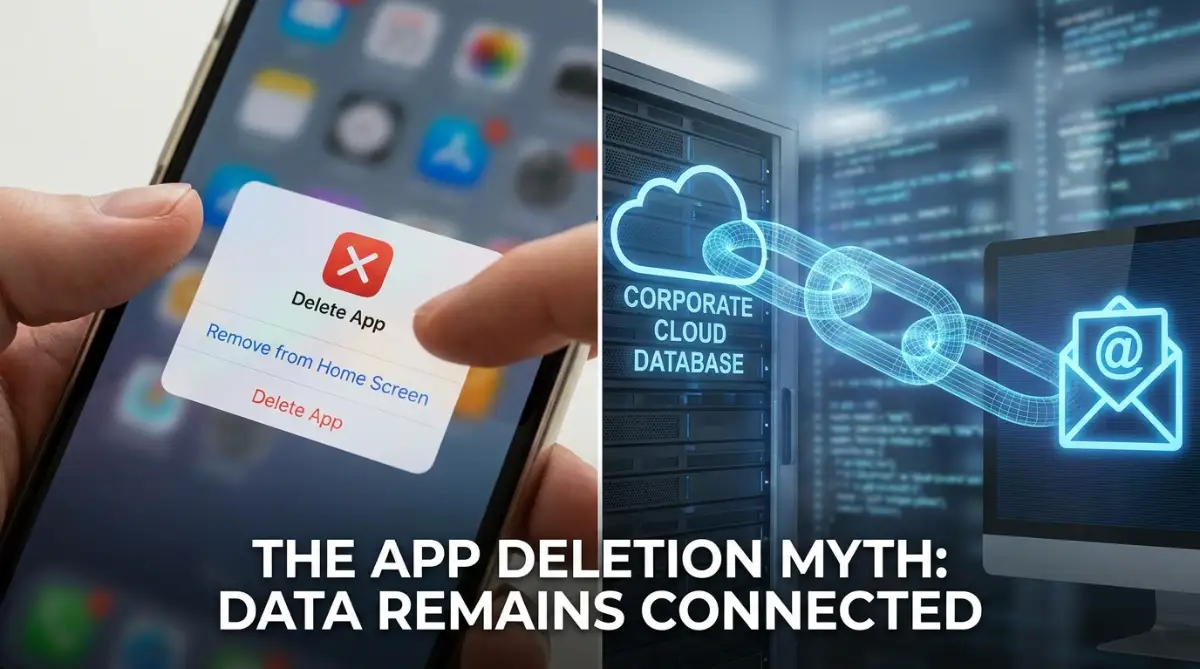 To truly stop the bleeding, you have to cut the connection off at the source. You must go directly into the security settings of your specific email provider. Only your provider has the power to revoke the digital keys you handed out months or years ago.
🔗 Direct URL Shortcuts: Clean Your Connected Accounts in 60 Seconds
Do not wander through confusing settings menus. Use these official account links to see every connected third-party app right now:
-
For Google (Gmail): Visit myaccount.google.com/connections → Review every app under "Third-party apps & services" → Click any unfamiliar tool and select "Delete all connections".
-
For Microsoft (Outlook / Hotmail): Go to account.live.com/consent/Manage → Select any old service → Click "Remove these permissions".
-
For Apple (iCloud): Open your iPhone Settings → Tap your name at the top → Select "Sign in with Apple" → Tap the app and choose "Stop using Apple ID".
Taking Immediate Action for Your Safety
The good news is that taking back your control is a surprisingly simple process once you know where to look. Major email providers have built specific dashboards where you can view every single app holding a connection key. You can review this list and instantly sever ties with any company you no longer trust.
When you open these security dashboards, prepare yourself for a massive shock. Most people find dozens of forgotten applications, old gaming accounts, and abandoned productivity tools still actively attached to their inbox. You will likely see services you stopped using entirely over five years ago.
Your immediate goal should be extreme digital minimalism. You want to reduce your active connections down to the absolute bare minimum. If you do not actively use a service every single week, it does not deserve an all-access pass to your private life.